Kling 3.0 Turbo Turn a shot list into a compact scene

Explore Kling 3.0 Turbo's 1080p generation and multi-shot storyboard controls, with up to six shots within a 15-second total scene.

This is a model feature guide. This model is not listed in Longtake's current catalog; the workspace offers other models.

Kling 3.0 Turbo features

What you can create

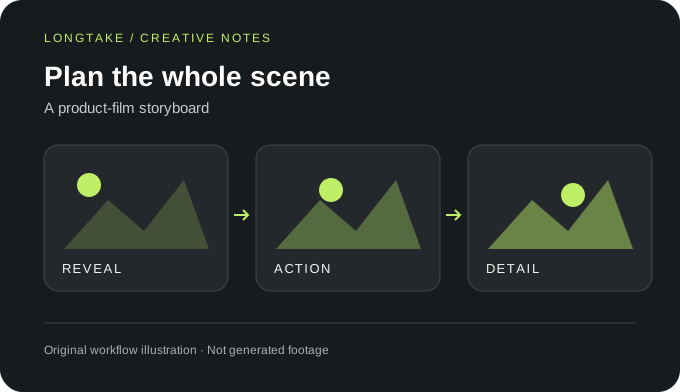
A product-film storyboard. Original workflow illustration, not generated footage.
Scene direction

Give each shot its own brief

Kling V3 Turbo Pro supports a multi-shot storyboard with one to six shots and a total duration of at most 15 seconds. Assign each shot a distinct purpose rather than repeating the same scene description.
Capability 1
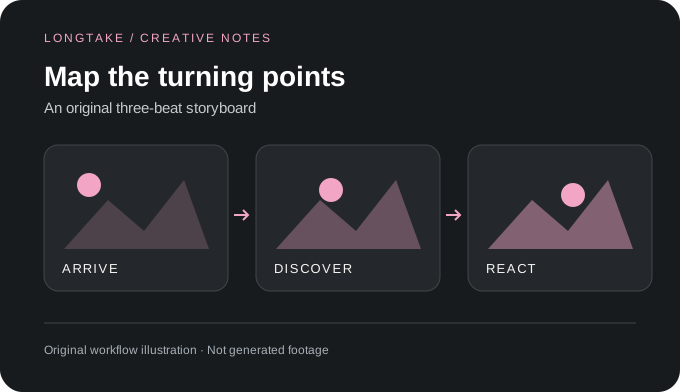
An original three-beat storyboard. Original workflow illustration, not generated footage.
Frame control

Budget time for the visual action

For a three-shot reveal, allocate time to the setup, the action and the final detail. A shot containing a person turning and handling an object needs more breathing room than a static insert.

Capability 2
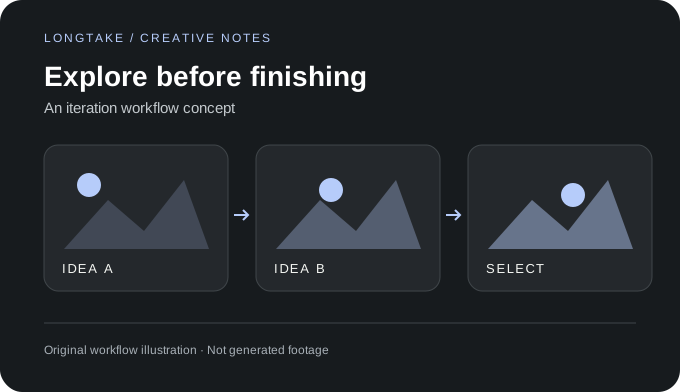
An iteration workflow concept. Original workflow illustration, not generated footage.
Creative workflow

Choose one prompting structure

The documented endpoint takes either a single prompt or a multi-prompt storyboard, not both. Use a single prompt for one continuous action and a storyboard when your intended sequence contains explicit cuts.

Capability 3

Kling 3.0 Turbo questions

Source: https://fal.ai/models/fal-ai/kling-video/v3/turbo/pro/text-to-video/api. Checked October 16, 2026. Illustrations and scene briefs are original creative examples, not generated samples.

Does Turbo Pro support 1080p?

The checked provider endpoint is the 1080p Pro variant. Its settings should not be assumed to describe every Turbo or Standard endpoint.

Is Turbo guaranteed to be faster or cheaper on Longtake?

This model is not listed in Longtake's checked catalog, and no comparative latency or price test is presented here.