Kling 4.0 AI Video with Sound

Bring a scene to life with video, sound and visual direction. Explore what Kling 4 can do for product films, character scenes and creative edits.

Kling 4 is in provider early access and is not yet listed on Longtake. Explore currently available models in our workspace.

Kling 4.0 features

From the first idea to the final shot

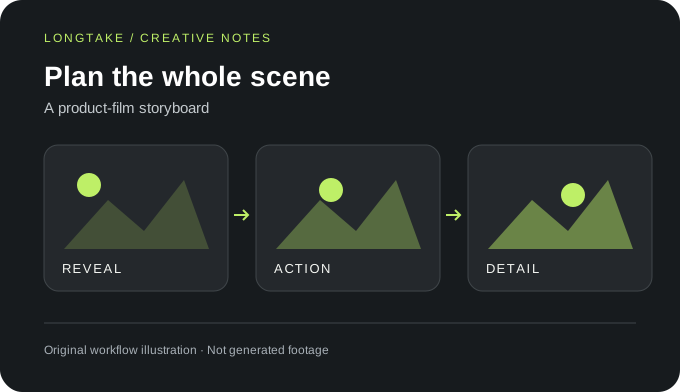
A product-film storyboard. Original workflow illustration, not generated footage.
Text to video

30-second scenes

Generate 3–30-second clips at 720p or 1080p. For a product film, write a beginning, a single action and a closing detail: a desk lamp switches on, illuminates a folded drawing, then the camera settles on the finished workspace. This is an original scene idea, not a tested output.

Capability 1
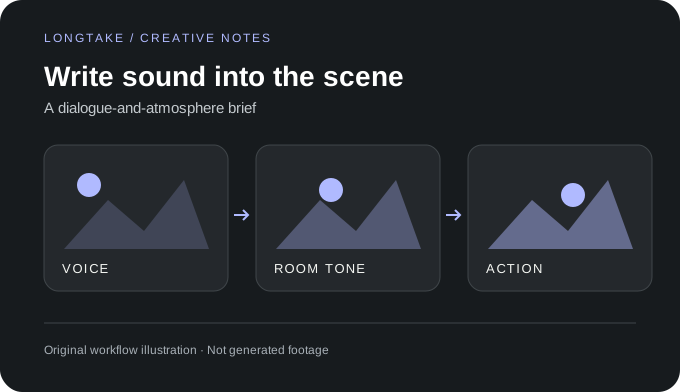
A dialogue-and-atmosphere brief. Original workflow illustration, not generated footage.
Picture and sound

Stereo audio and lip sync

Generate speech, ambience and effects with stereo sound and lip sync. Give the soundtrack its own direction: a soft switch click, paper moving across a desk and one short spoken line. Name the speaker and write the exact dialogue so the intended performance is clear.

Capability 2
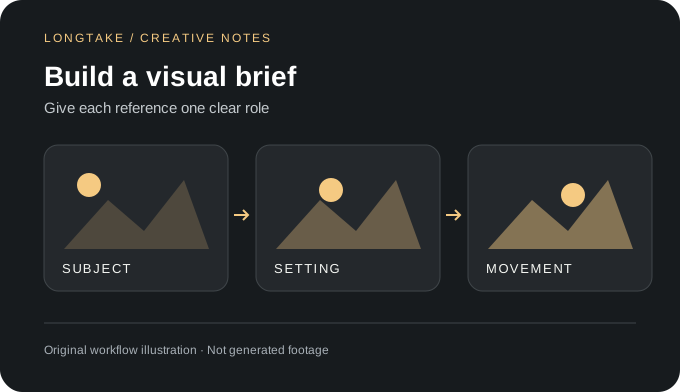
Give each reference one clear role. Original workflow illustration, not generated footage.
Reference to video

Combine visual references

Use up to 15 mixed image, video and element references. Build a focused creative brief with your own assets: one product photo for appearance, a room image for the setting and a movement reference for the camera. Explain each asset's role instead of asking every reference to define the entire scene.

Capability 3
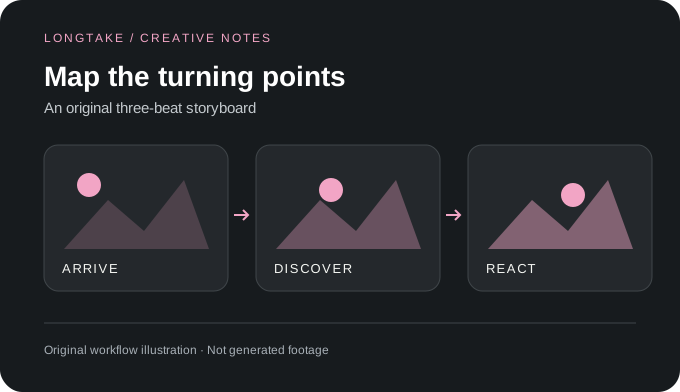
An original three-beat storyboard. Original workflow illustration, not generated footage.
Image to video

Direct the key moments

Sequence up to 10 keyframe images, or use first-and-last-frame image-to-video. Sketch the moments that matter: a closed sketchbook, the page turning, and a finished drawing revealed. Decide what should change between those compositions before describing the action connecting them.

Capability 4
Separate the change from what stays. Original workflow illustration, not generated footage.
Video editing

Change part of a shot

Edit 2–30-second source clips; original audio is kept by default. Write a precise edit brief: replace the poster behind a presenter while preserving their clothing, the desk and the room lighting. Separate the requested change from the elements you want untouched, then review the result before delivery.

Capability 5
An iteration workflow concept. Original workflow illustration, not generated footage.
Kling 4.0 vs Flash

Draft or final direction?

Kling 4.0 supports 1080p and 30 seconds; Flash targets 720p drafts up to 20 seconds. For concept development, explore a few lighting or composition directions before committing to the final brief. Keep the chosen reference pack and prompt together so the next iteration starts from an intentional creative decision.

Capability 6

Kling 4.0 questions

Specifications: fal.ai/kling-4, checked October 16, 2026. Illustrations and scene briefs are original creative examples, not generated samples.

How do I write a useful Kling 4 prompt?

Start with the subject, setting and main action. Add camera movement and sound in separate sentences. For example: A ceramic artist places a blue bowl on a wooden shelf. The camera slowly moves closer. We hear the bowl touch the wood and a quiet studio fan. This original prompt is a creative starting point, not a demonstrated generation.

Does Kling 4.0 support 4K or two-minute videos?

4K, 10-bit HDR and two-minute extension are announced as coming soon, not current capabilities.

What is the price of Kling 4.0?

No verified rate is quoted here. Check the provider's current quote for your chosen settings before generating.

How can I turn a scene idea into a finished short?

Write the message of the short first, then divide it into shots with distinct purposes: establish the setting, show the action, and end on a memorable detail. Prepare your own reference assets, develop each shot, and assemble accepted clips in an editor. Leave room for titles, pacing and sound adjustments rather than asking one prompt to solve every editorial decision.