NOTHING DRIFTS
LightingCharacter identityScene
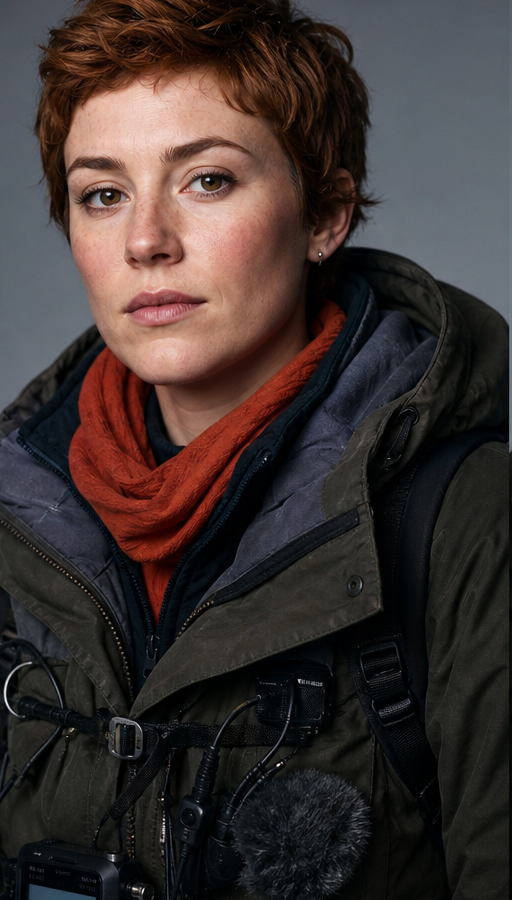
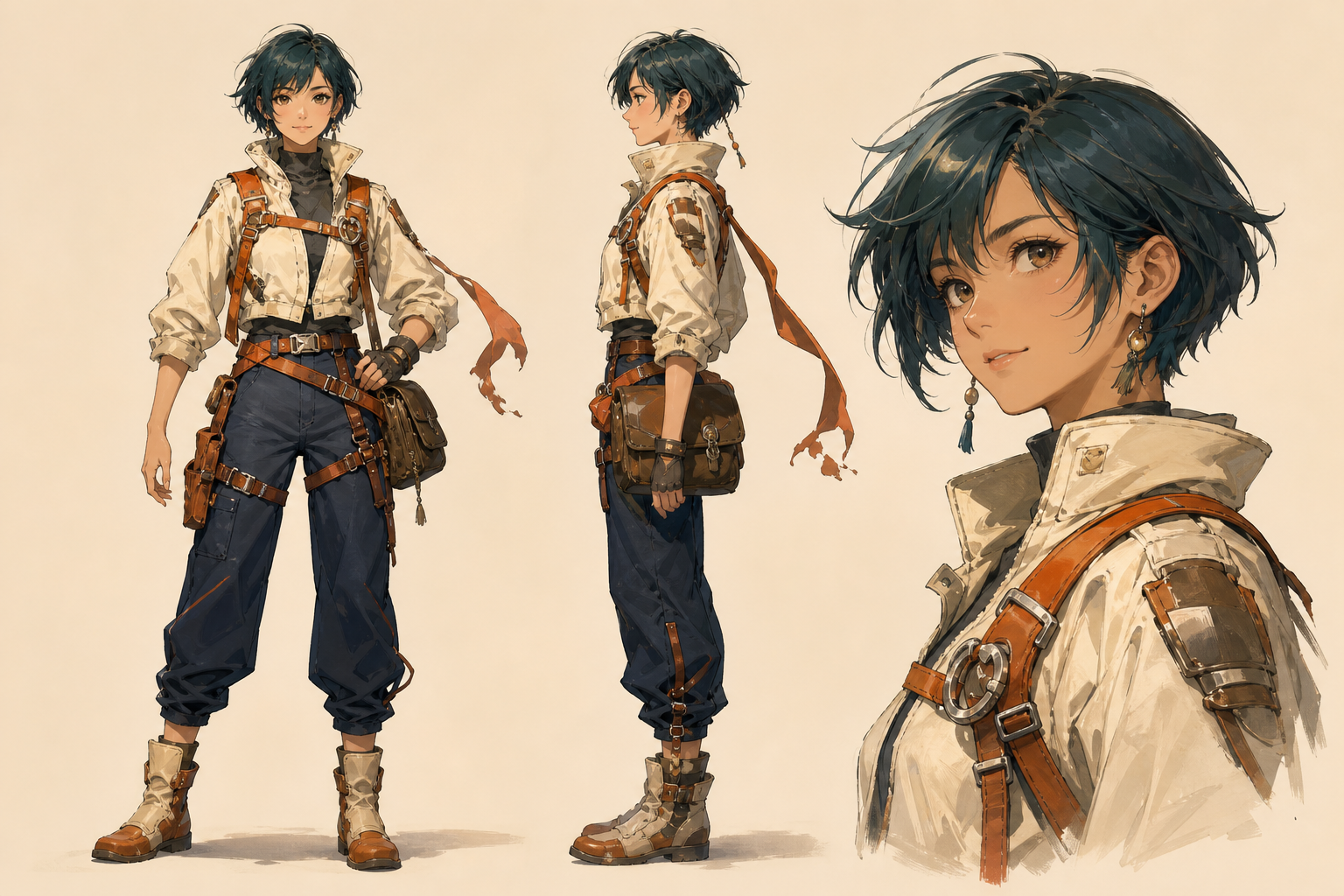
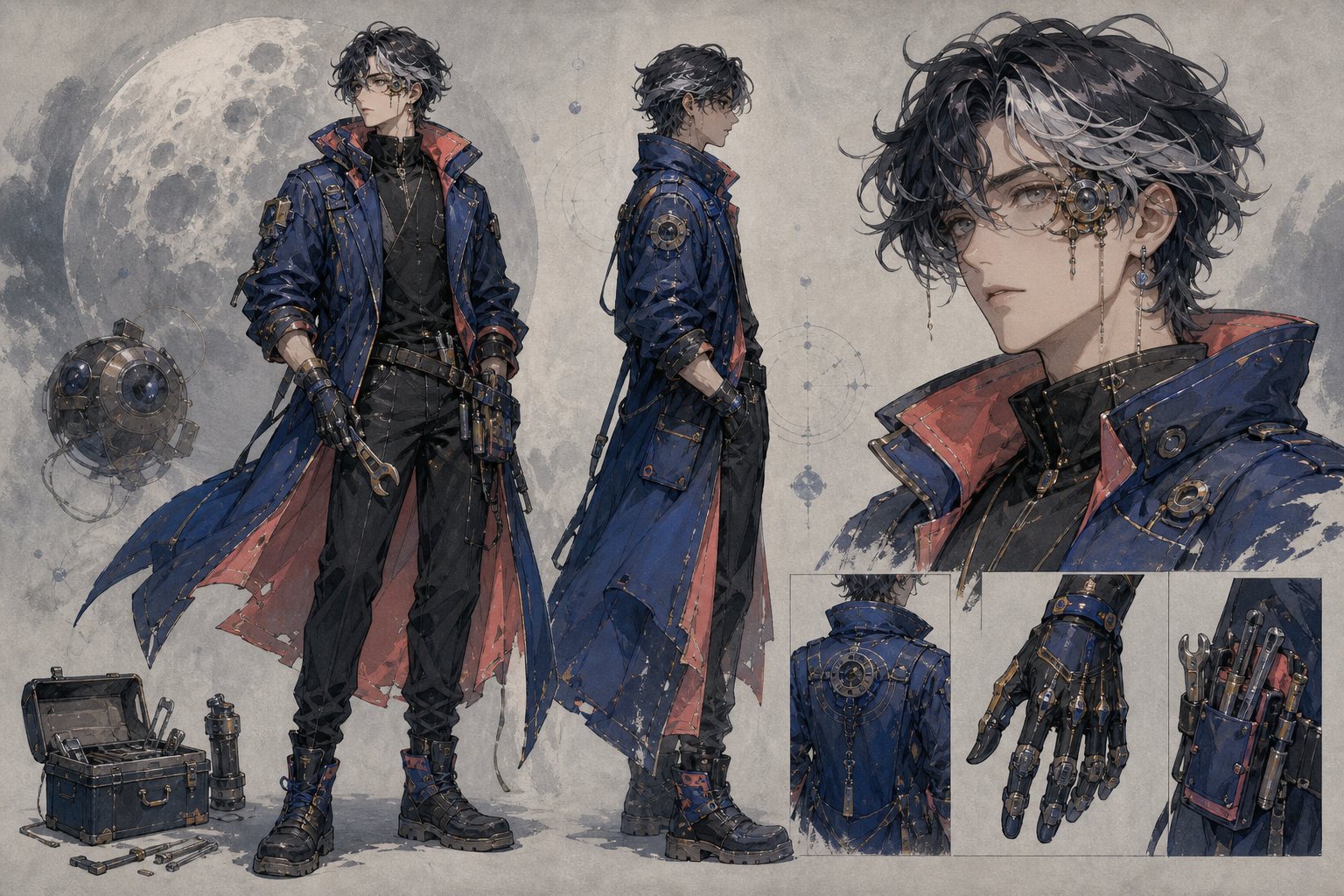
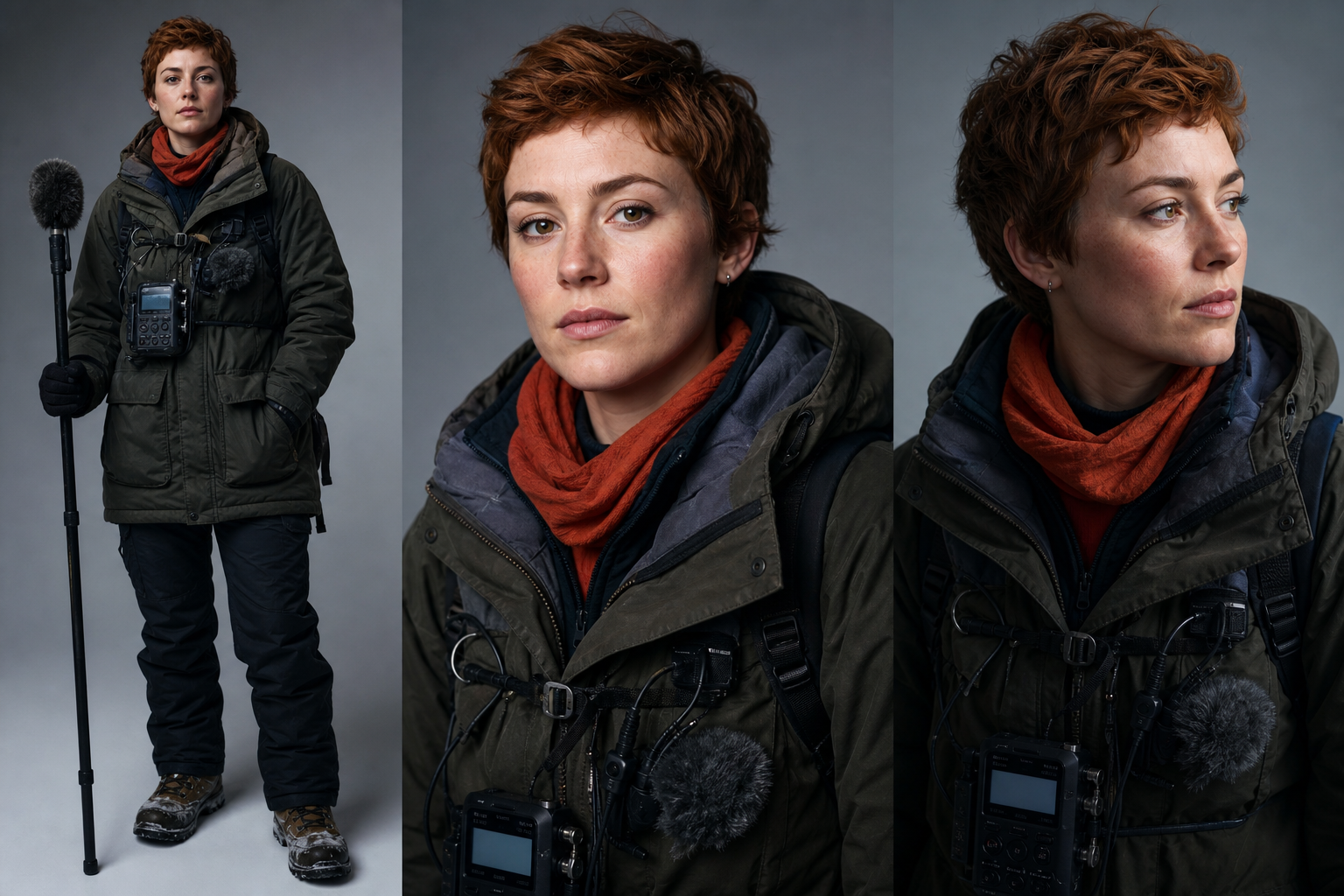
50 references. One coherent film. Direct images, video and audio from a single prompt.
Seedance 2.5 · up to 30s · 4K output



 00:1200:08
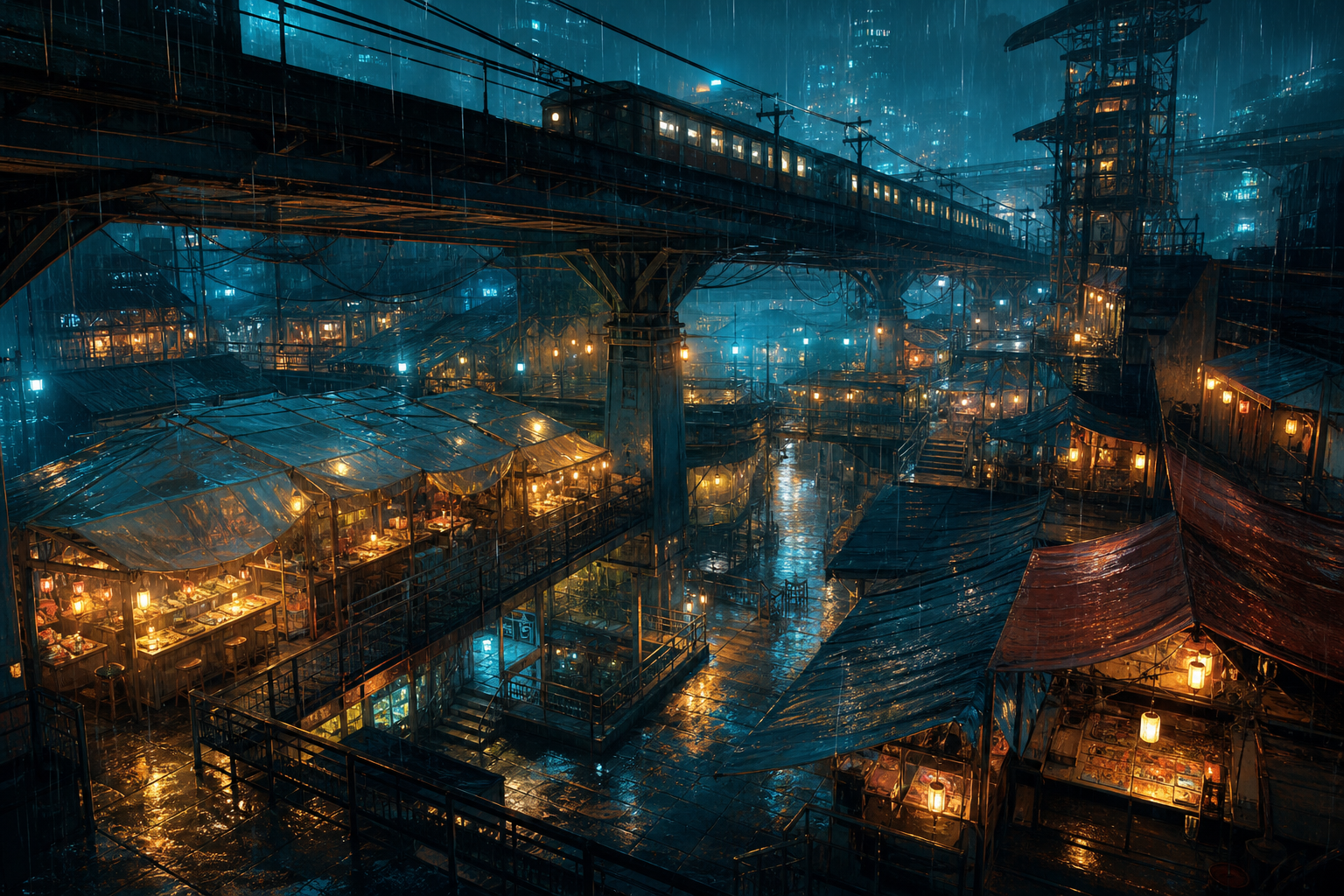
 CITY ATMOS · 00:36
 VOICE LINE · 00:14
 +38
+38One generation, everything at once
Six times the runway in one continuous take
Hold the frame and let the moment unfold. No cuts, no transitions, no zooms — one continuous take with movement, timing and character continuity intact.
Point the camera path and the subject's move, then hand it to Seedance to execute frame by frame.
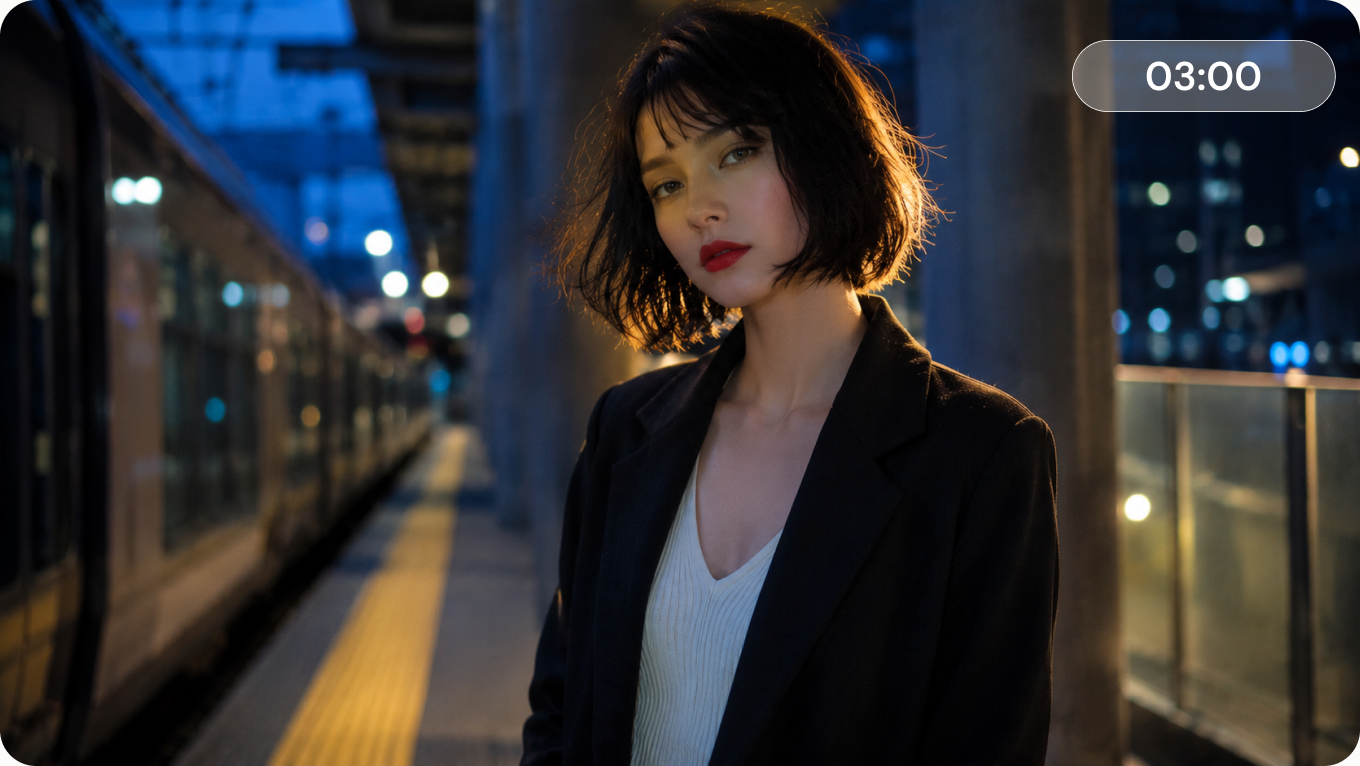
Generate up to 30 seconds at once, extend existing clips, or create videos up to 180 seconds in Ultra-long mode.
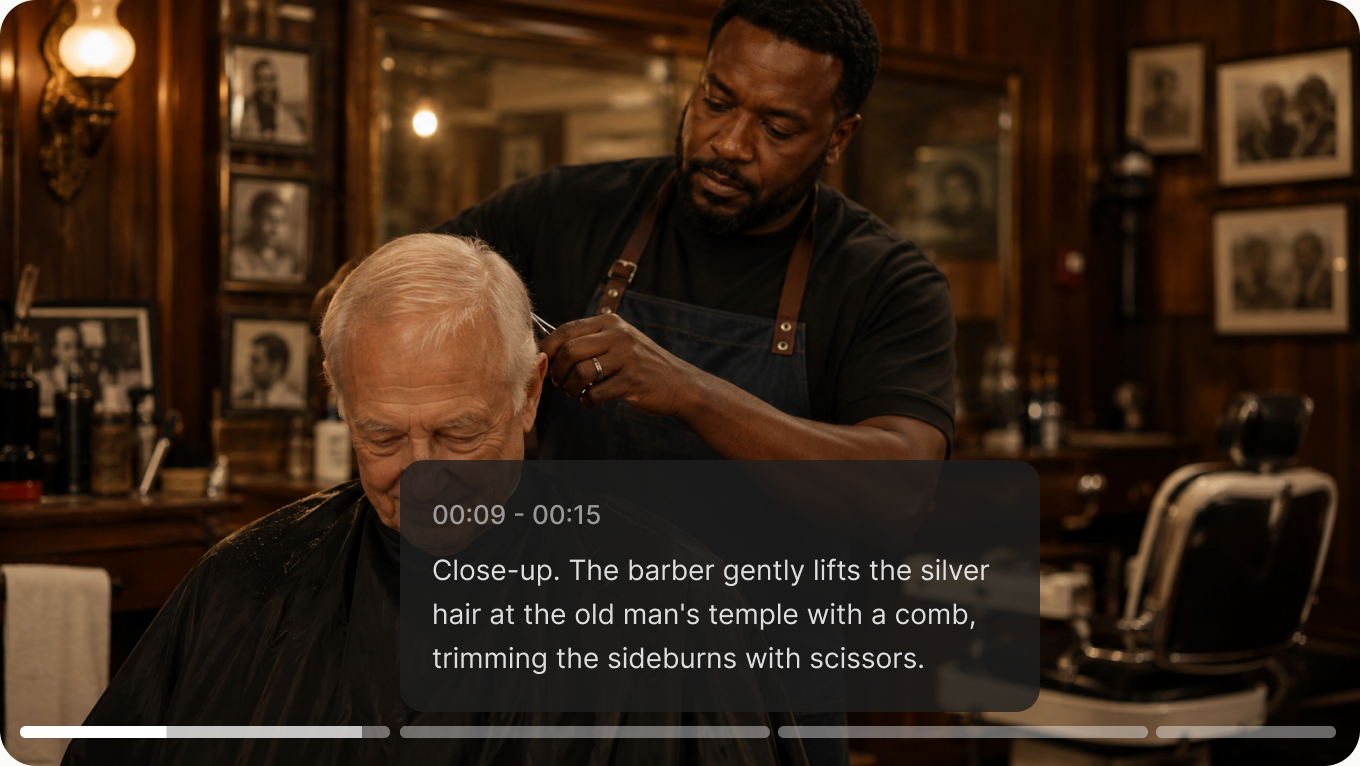
Add timestamps to decide exactly when actions, dialogue, camera changes, and transitions happen.
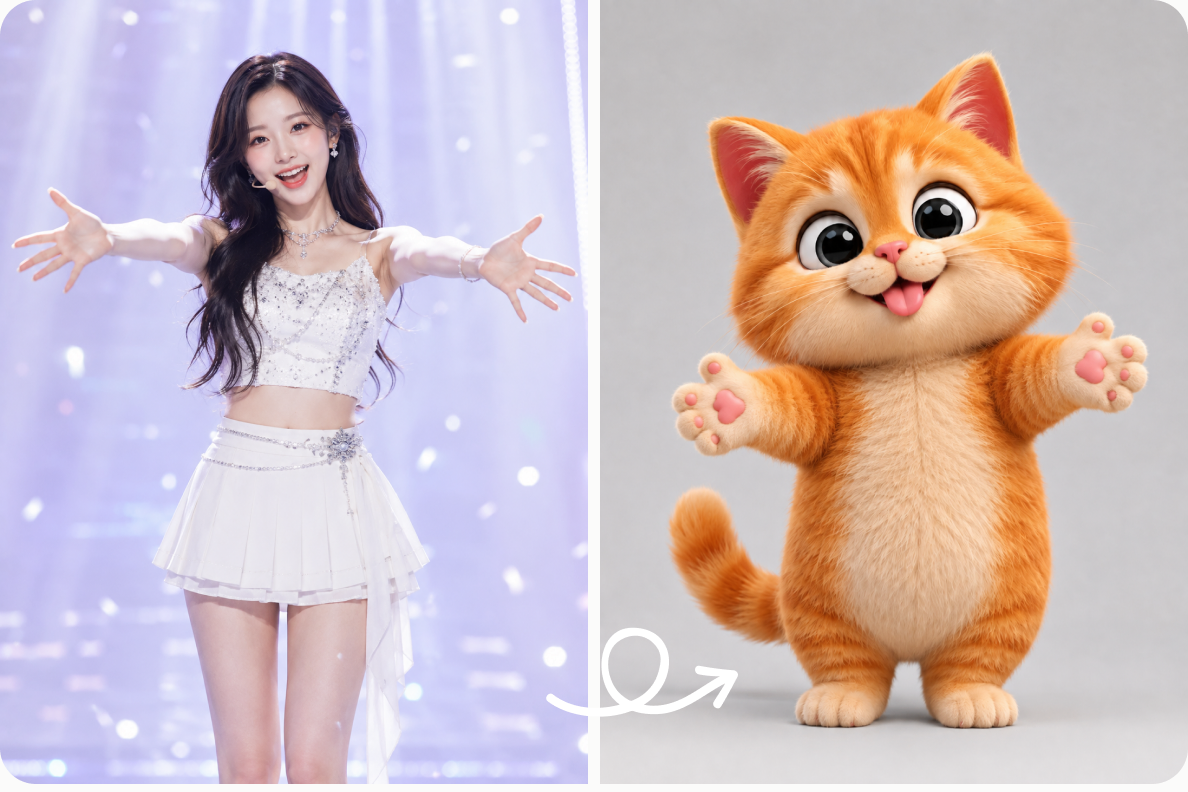
Copy the movement, camera motion, and rhythm of a reference video while changing its subject or setting.
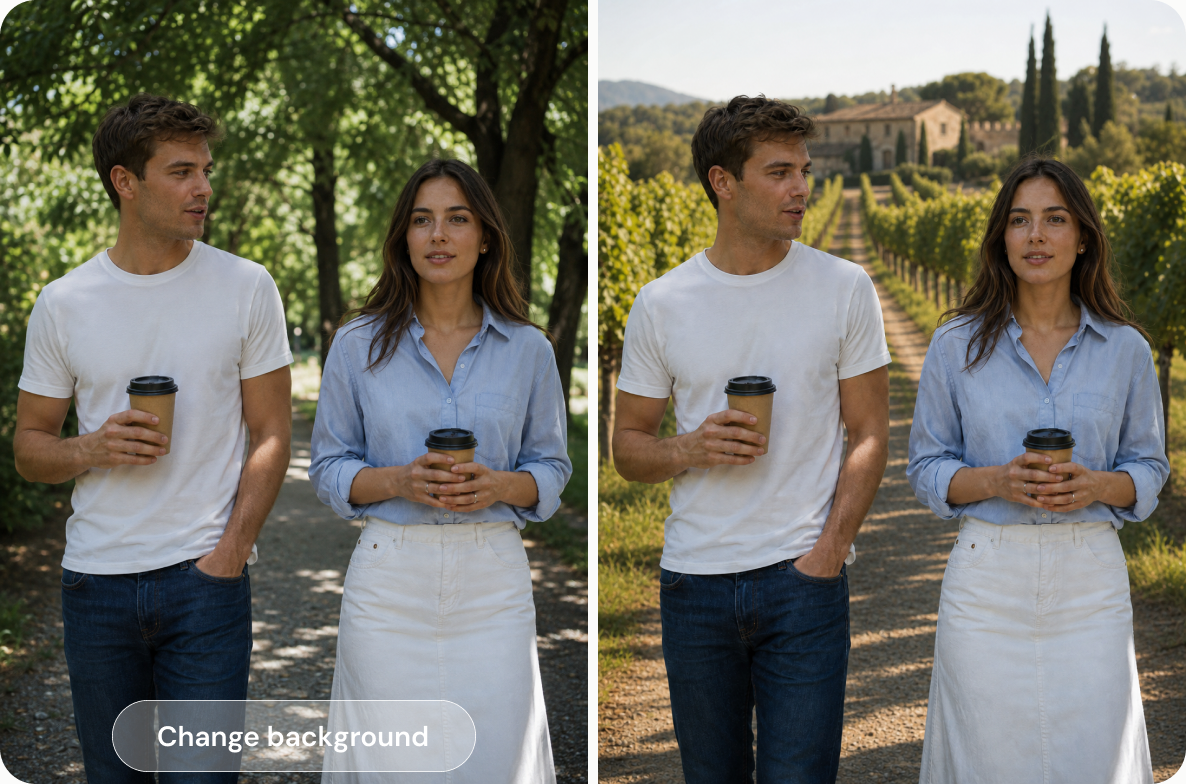
Replace objects, refine characters, or remove unwanted details while keeping the rest of the video unchanged.
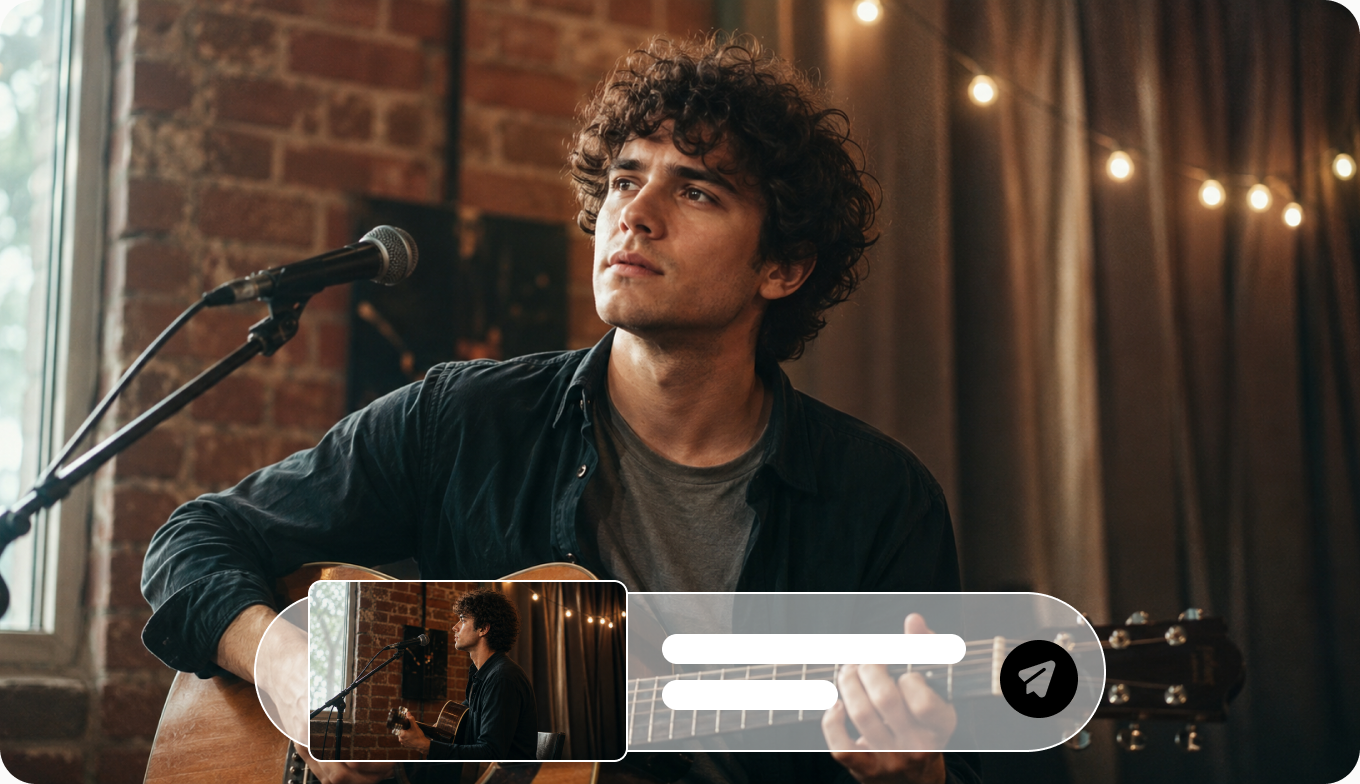
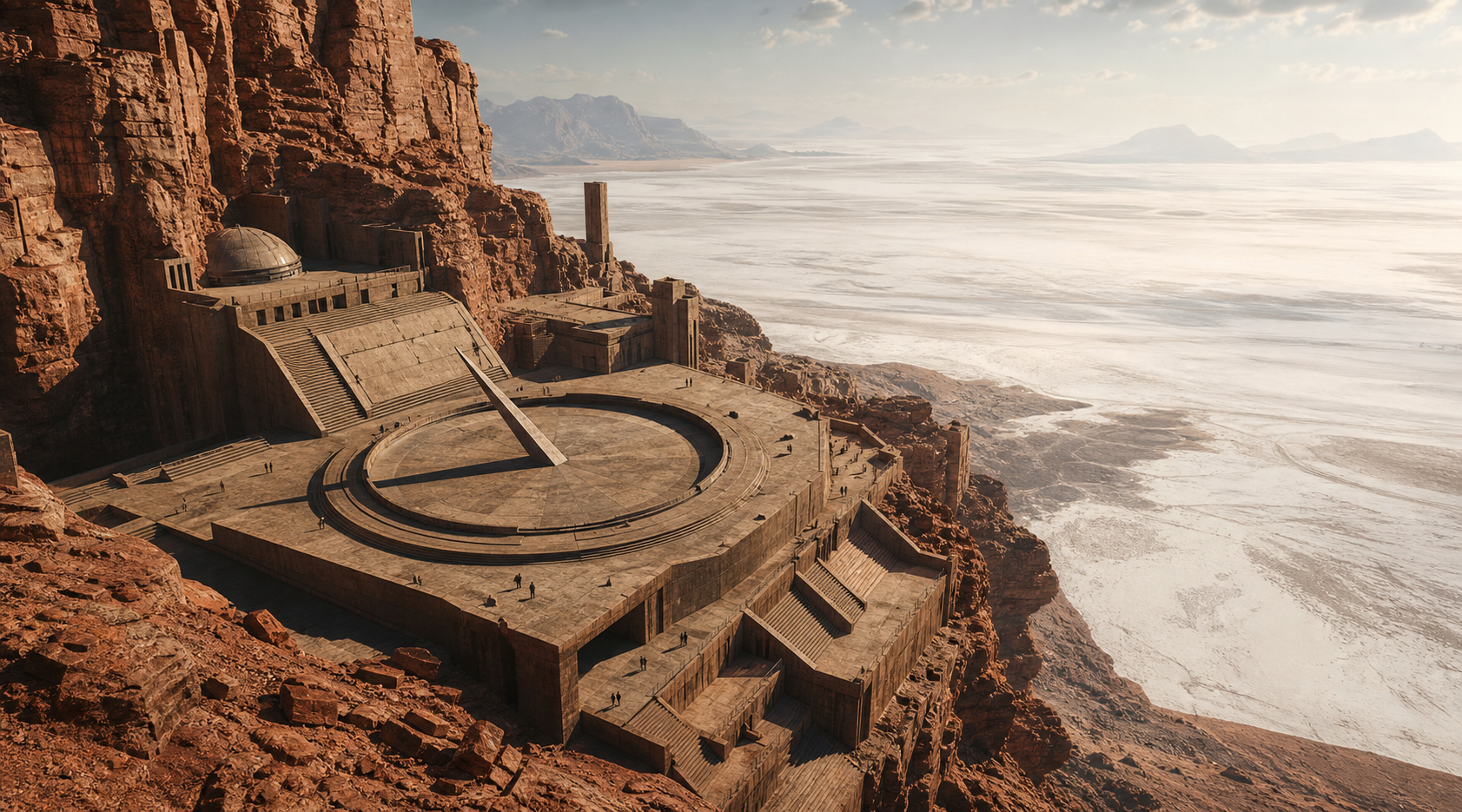
Rebuild the same scene from a new angle while preserving the subject, action, and environment.
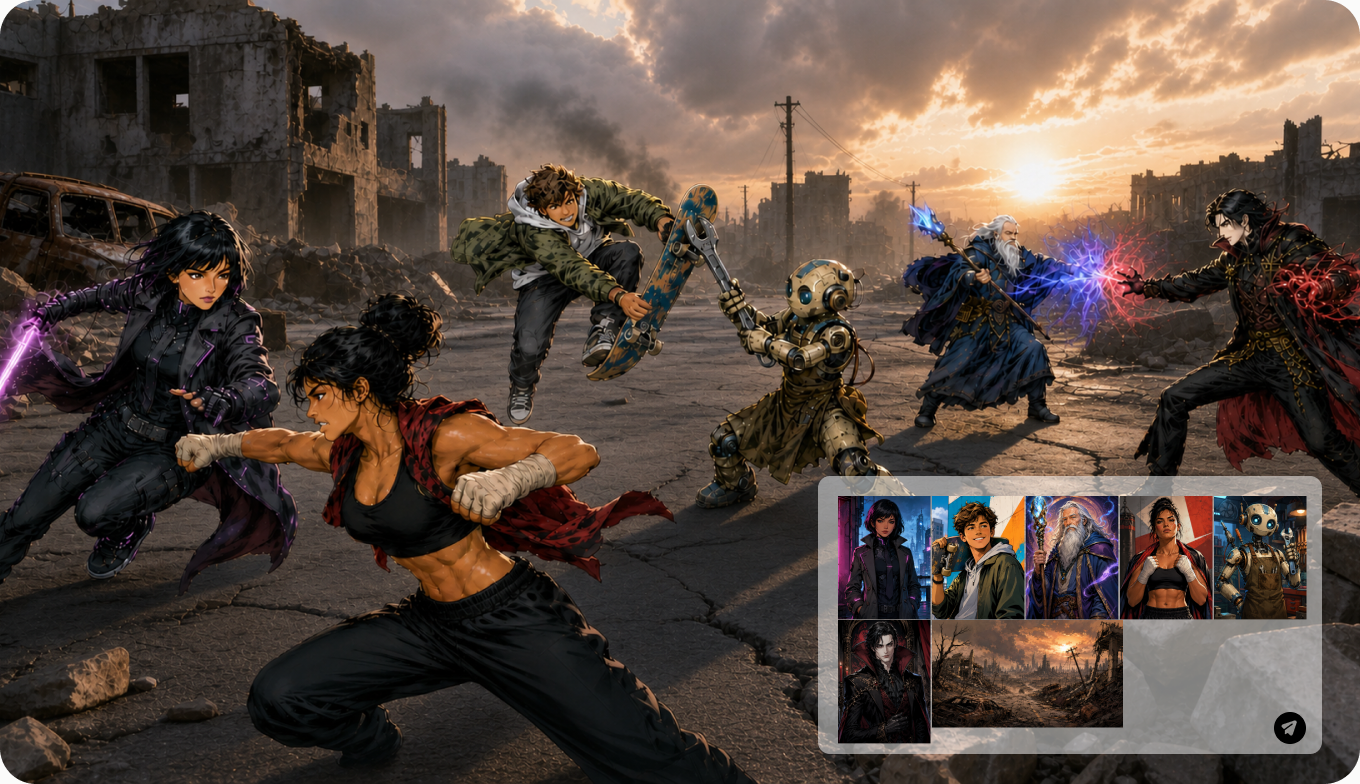
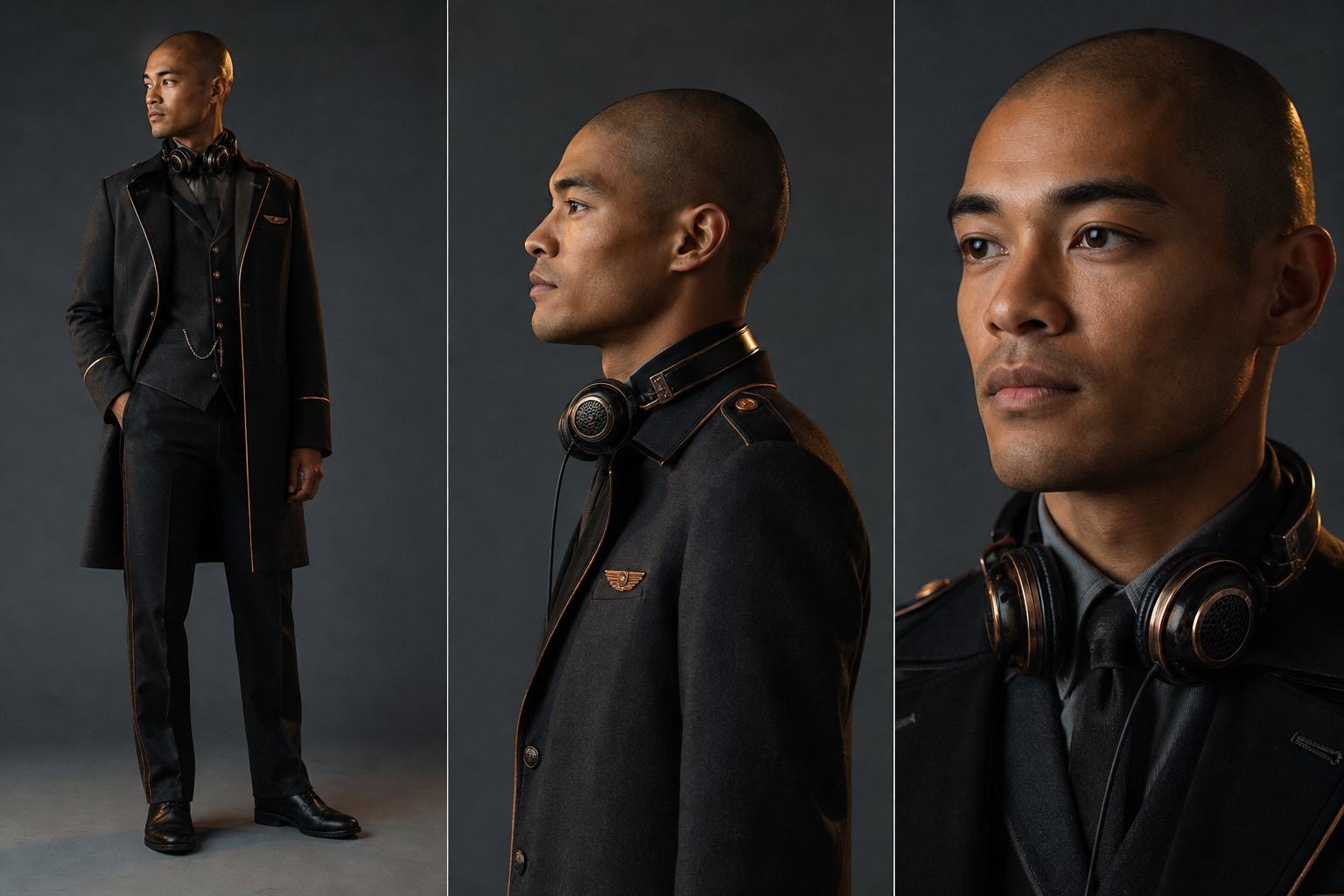
Assign a separate reference to each character so faces, clothing, and roles remain distinct across every shot.
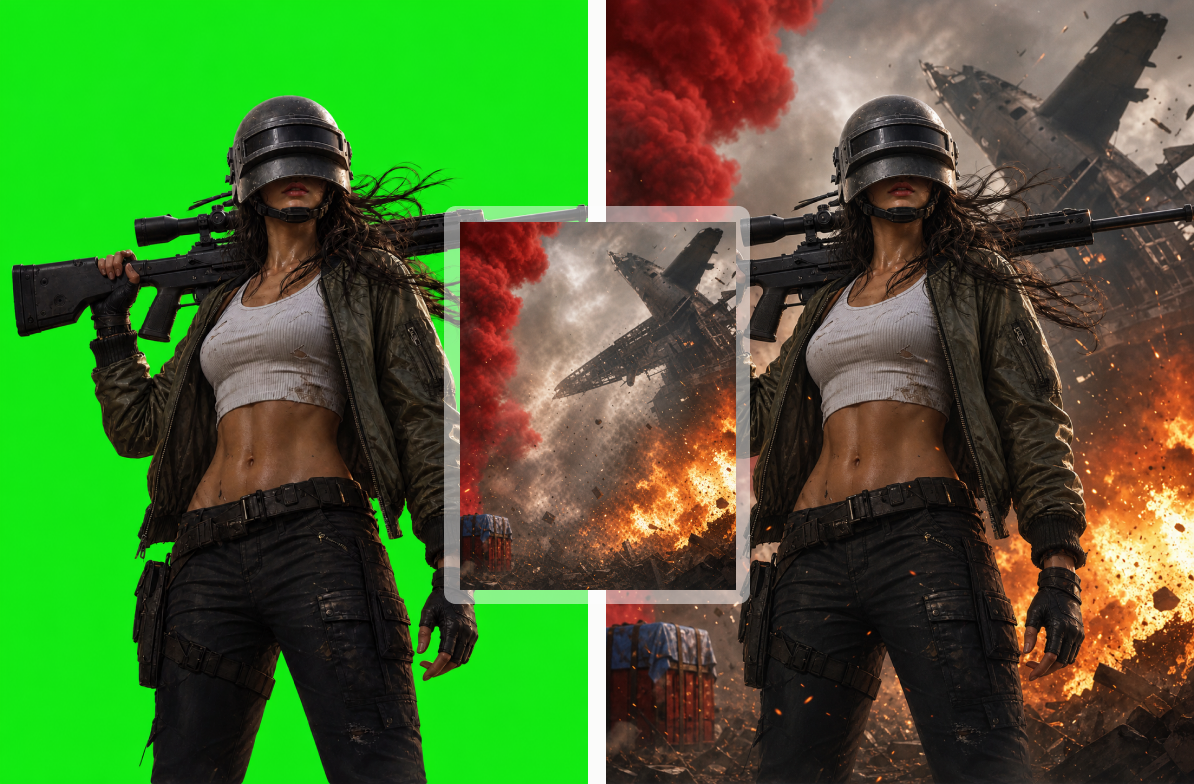
Preserve the actor’s movement and timing from green-screen footage while generating an entirely new environment.
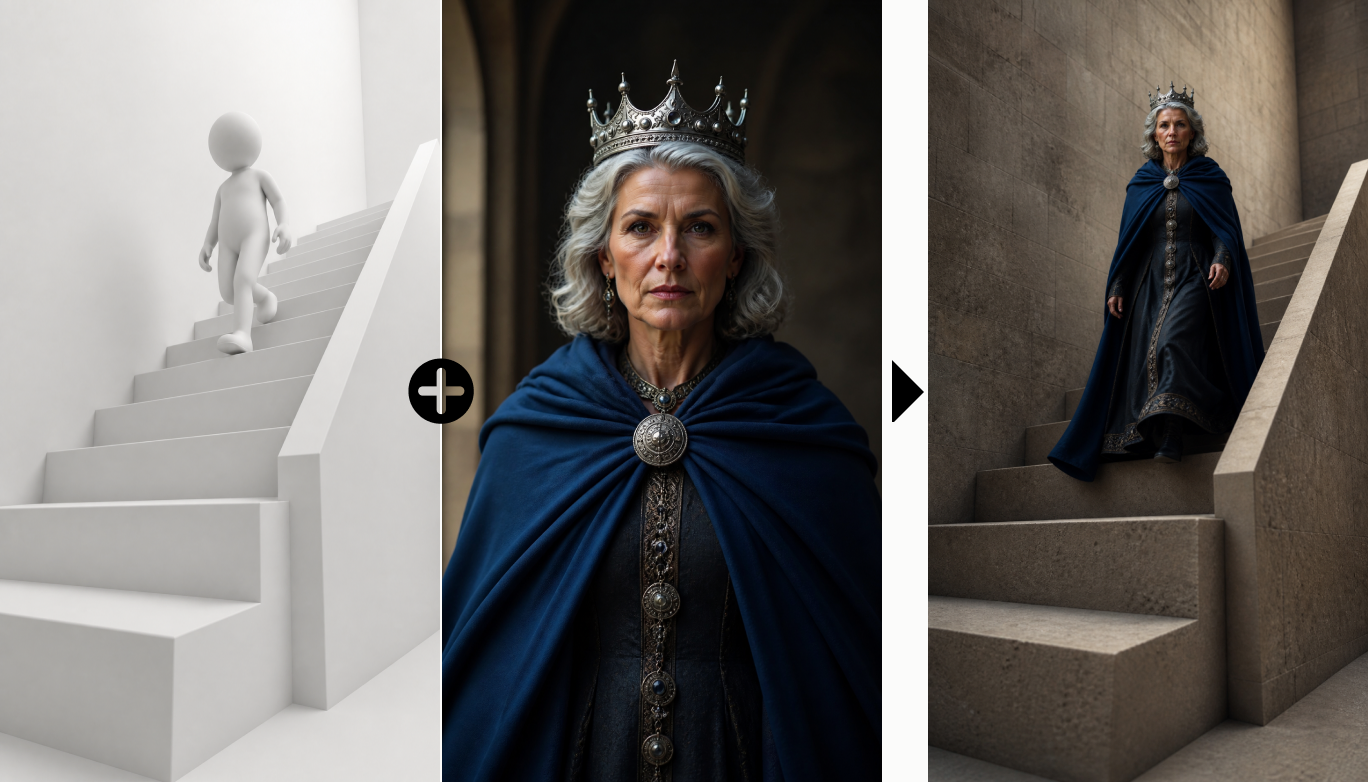
Use a 3D blockout to control the layout, character positions, and camera movement of the final scene.
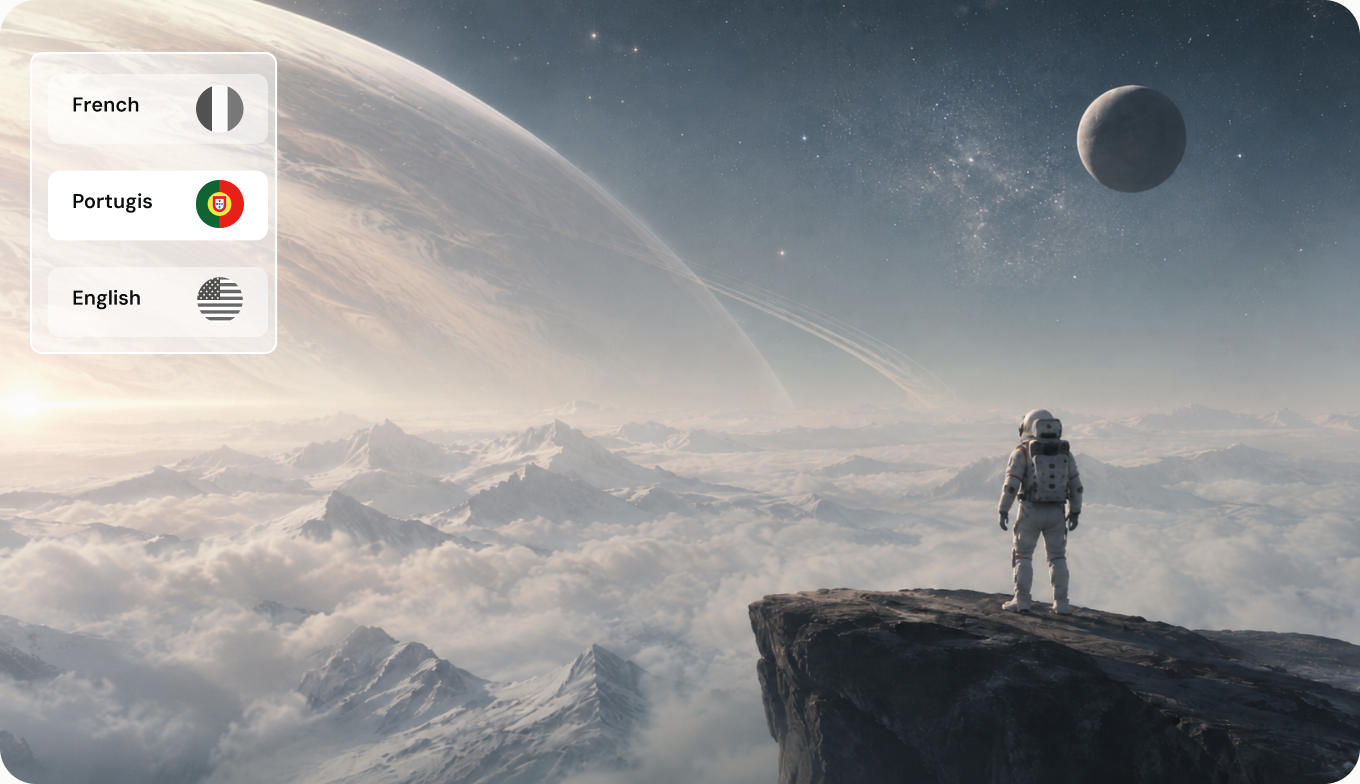
Provide the starting and ending clips, and let Seedance generate the missing transition between them.
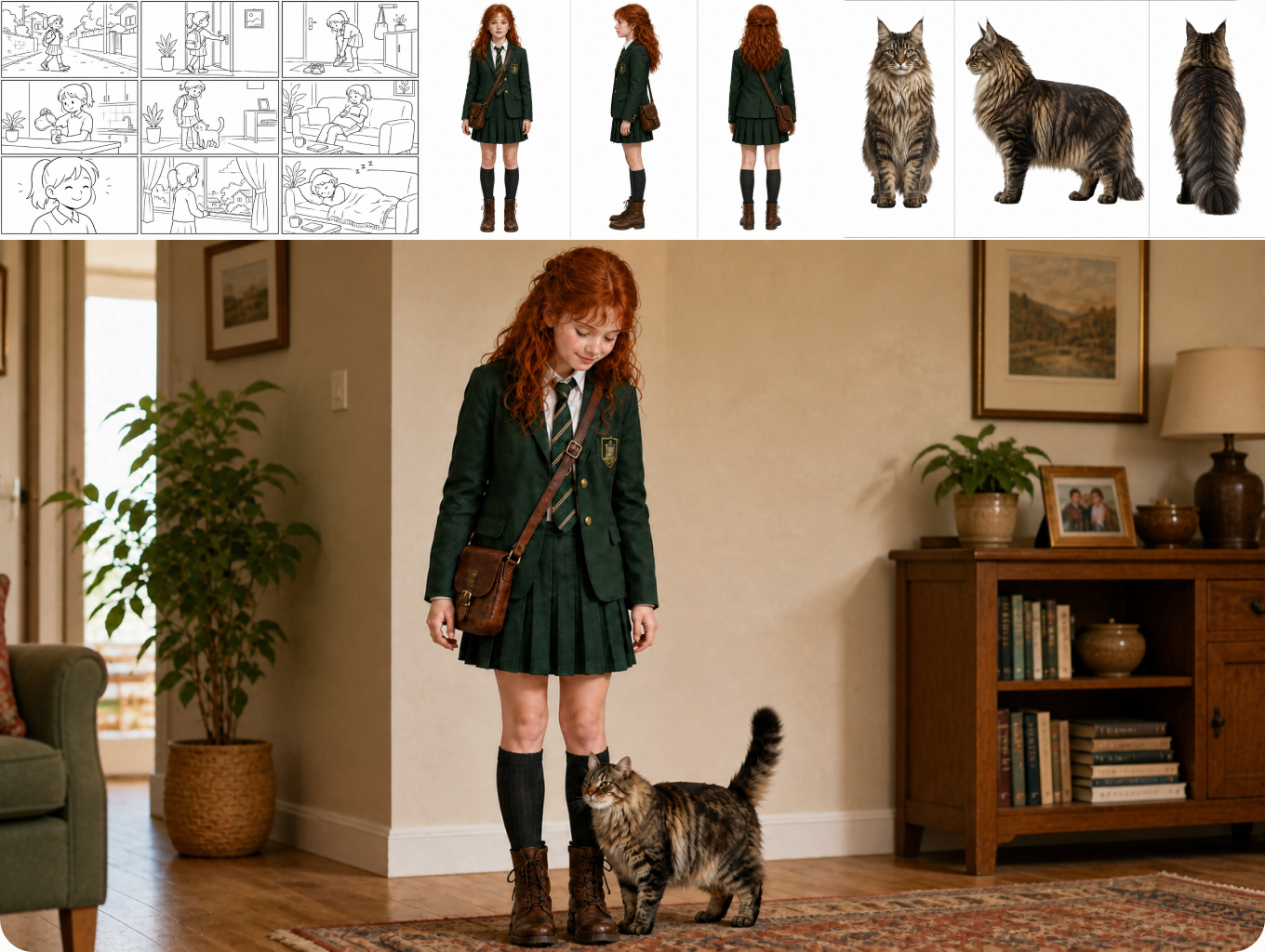
Arrange key moments in a multi-grid storyboard, then generate them as one connected video sequence.
We’ve answered the most frequently asked questions
ByteDance’s flagship AI video model. It generates cinematic clips up to 30 seconds in native 4K, with synchronized sound, up to 50 references, and region-level editing — all in a single pass.
Seedance 2.5 expands creative control with longer native clips, synchronized sound, multi-material references, region editing, and more precise shot-level direction.
A single generation can run for up to 30 seconds and deliver native 4K output, depending on the selected generation settings.
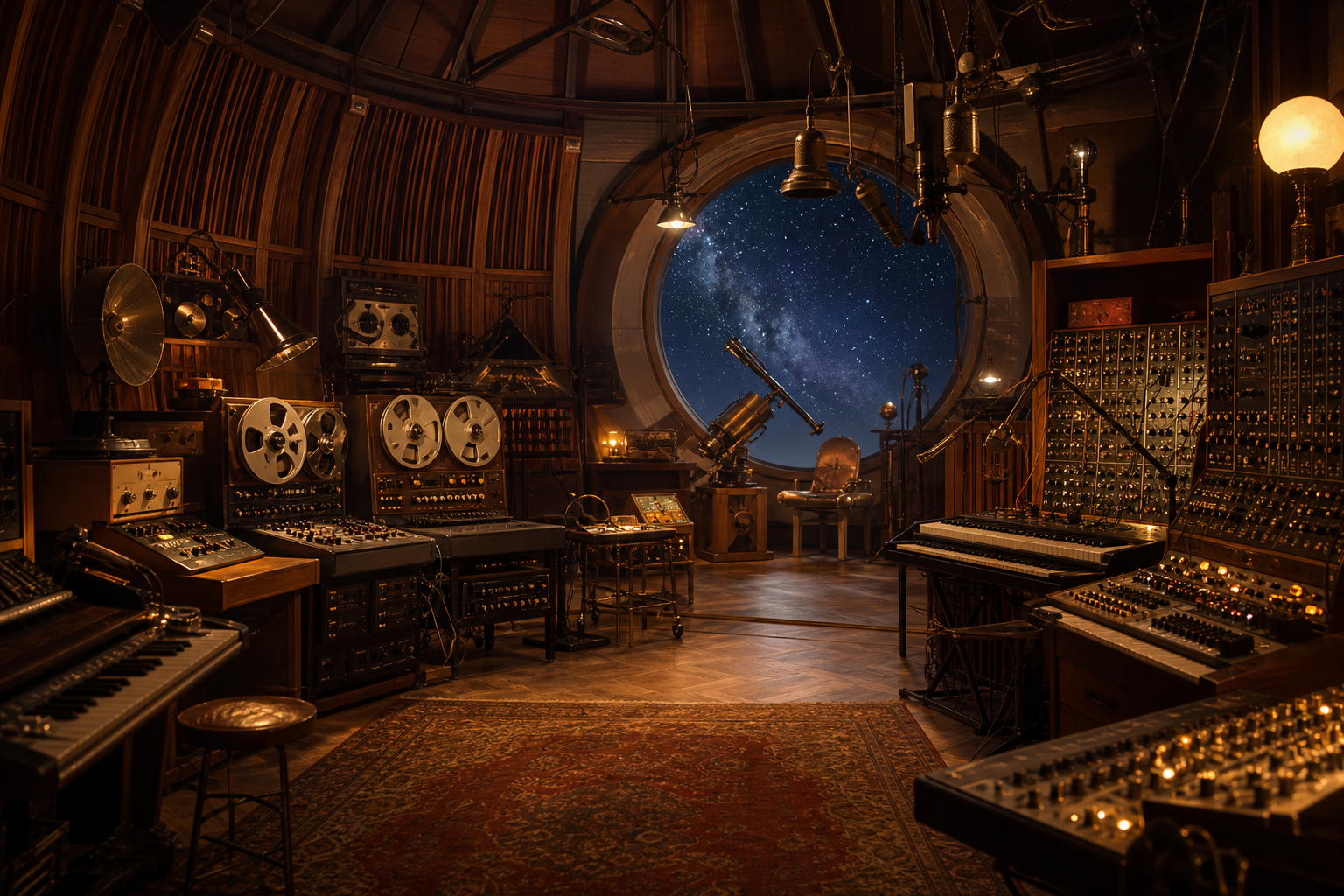
Yes. Seedance 2.5 can generate synchronized dialogue, effects, and atmosphere alongside the picture in the same generation.
You can direct a generation with up to 50 image, video, and audio references in one prompt.
Yes. Character identity, lighting, props, and scene details can remain coherent across a multi-shot sequence when they are included as references.
Start with a clear shot description, add focused visual or audio references, and use the dedicated controls for camera, lighting, pacing, and motion.
Describe the film you want to make, select Generate now, and continue in Longtake’s AI video generator.

