Kling 3.0 Omni Edit Change the scene around an existing shot

Explore Kling O3 video editing with a source clip, image references and subject elements. Learn how to brief and review a focused scene change.

This is a model feature guide. This model is not listed in Longtake's current catalog; the workspace offers other models.

Kling 3.0 Omni Edit features

What you can create

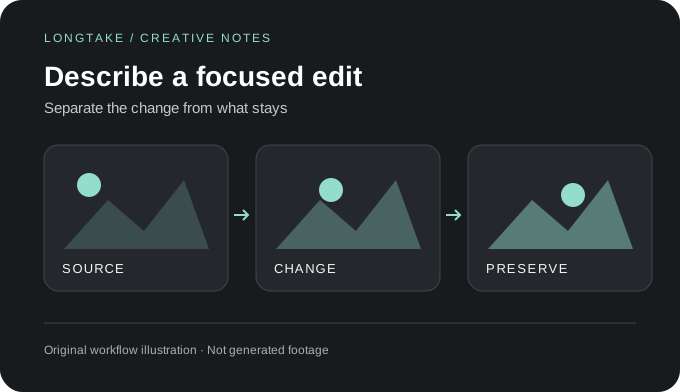
Separate the change from what stays. Original workflow illustration, not generated footage.
Video editing

Start with the shot you already have

The O3 editing endpoint takes a source video and an edit instruction. Treat it as a revision workflow: replace a setting, change a subject or restyle a shot instead of describing an unrelated film from scratch.
Capability 1
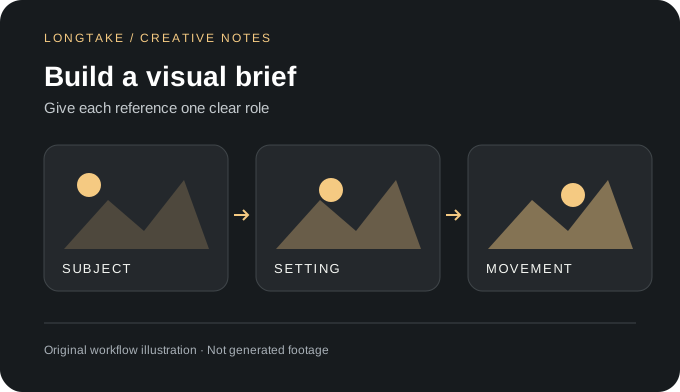
Give each reference one clear role. Original workflow illustration, not generated footage.
Reference inputs

Show the intended replacement

Image references and elements can help specify the replacement subject or visual treatment. For a room redesign, provide the target palette and describe which surfaces should change without introducing a second camera move.

Capability 2
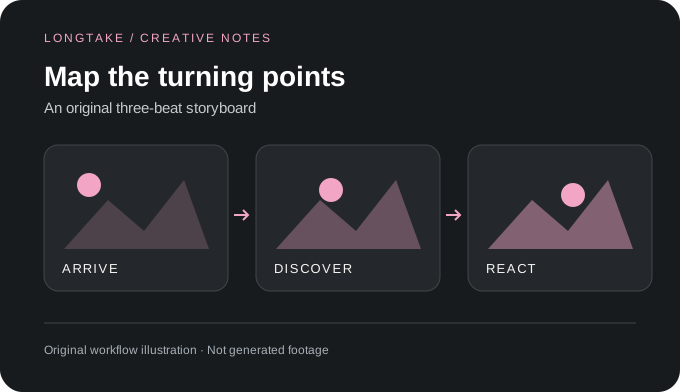
An original three-beat storyboard. Original workflow illustration, not generated footage.
Frame control

Compare before and after

Review the edit against the source at the opening, middle and end. Check object boundaries, reflections and the subject's silhouette, not just the most attractive frame. Keep the original clip until the revision passes your review.

Capability 3

Kling 3.0 Omni Edit questions

Source: https://fal.ai/models/fal-ai/kling-video/o3/pro/video-to-video/edit. Checked October 16, 2026. Illustrations and scene briefs are original creative examples, not generated samples.

How does Omni Edit differ from Omni generation?

Editing uses an existing video as the starting point. Generation creates a new clip from a prompt and the references supported by its endpoint.

Will everything outside the requested change stay identical?

Do not assume pixel-identical preservation. Inspect unintended changes to the background, movement, face and soundtrack before accepting the edited clip.