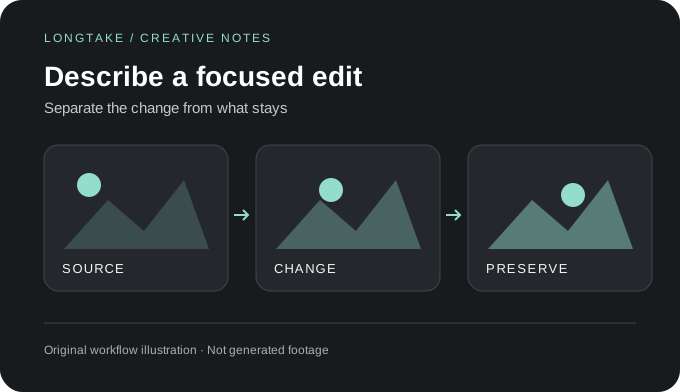
Write the change, not the whole film
O1 video editing takes an existing clip and an instruction. A focused brief might replace a jacket's color or change the scene's setting; avoid adding several unrelated revisions before checking the first result.
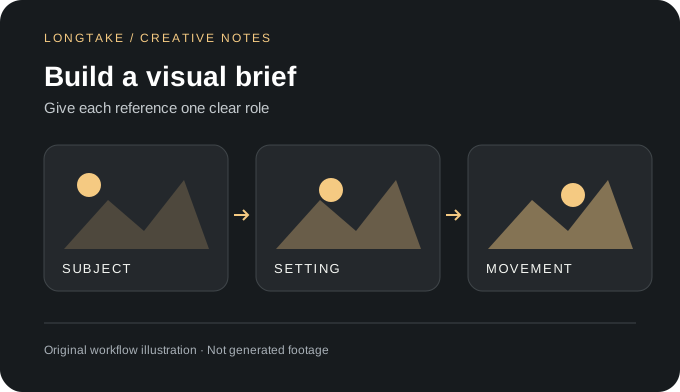
Explore Kling O1 video editing with natural-language instructions, visual references and an audio-retention option for targeted shot revisions.
This is a model feature guide. This model is not listed in Longtake's current catalog; the workspace offers other models.
O1 video editing takes an existing clip and an instruction. A focused brief might replace a jacket's color or change the scene's setting; avoid adding several unrelated revisions before checking the first result.
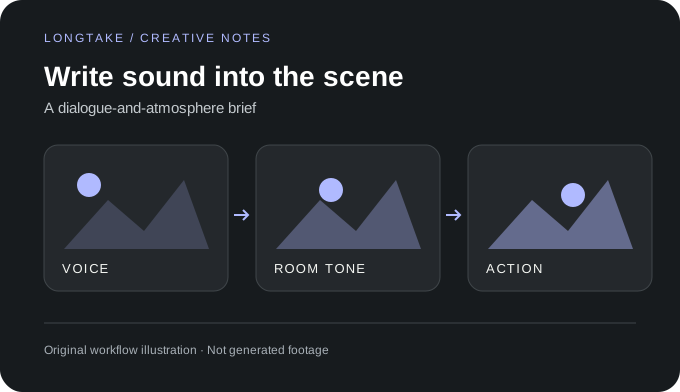
Image references and subject elements can supply visual direction. For a wardrobe revision, name the intended garment and distinguish it from the face, pose and background you want to retain.
The documented endpoint includes a keep-audio option. Check the resulting track as well as the picture, particularly when an edit changes an action that originally had a synchronized sound effect.
Source: https://fal.ai/models/fal-ai/kling-video/o1/video-to-video/edit. Checked October 16, 2026. Illustrations and scene briefs are original creative examples, not generated samples.
It is a generative revision workflow. Use an editor for deterministic cuts, exact timing, color matching and final delivery; reserve generation for changes that require new visual content.
Compare the source and revision through the full duration. Look at faces, object boundaries, reflections and background motion, not only the intended replacement.