STAY ON MODEL
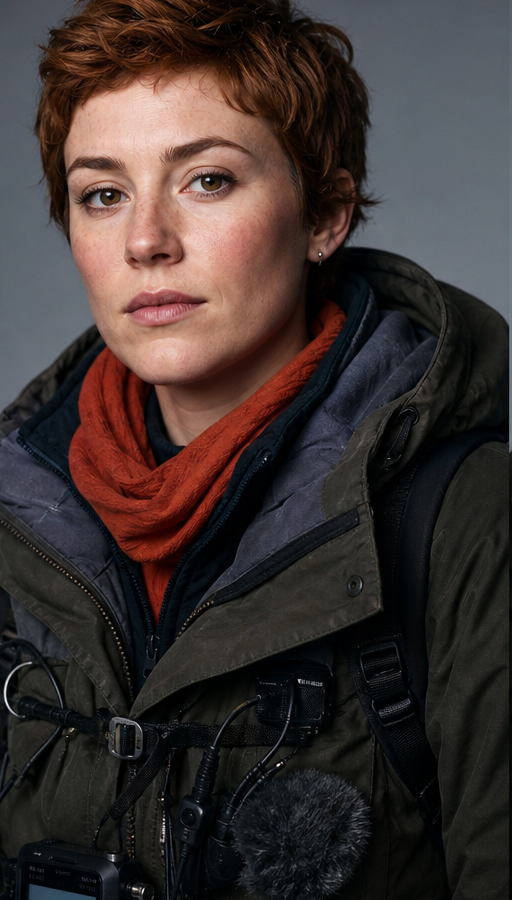
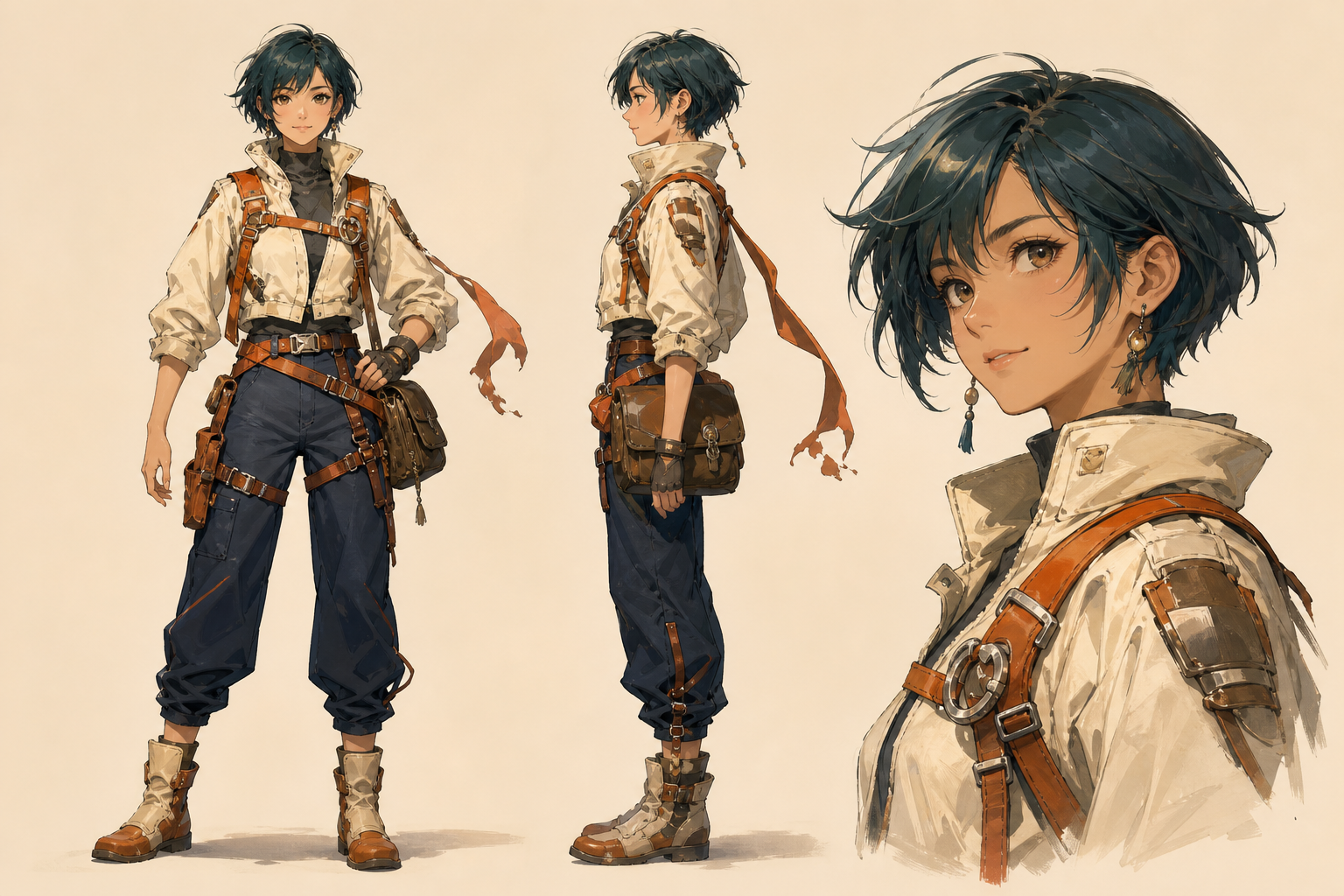
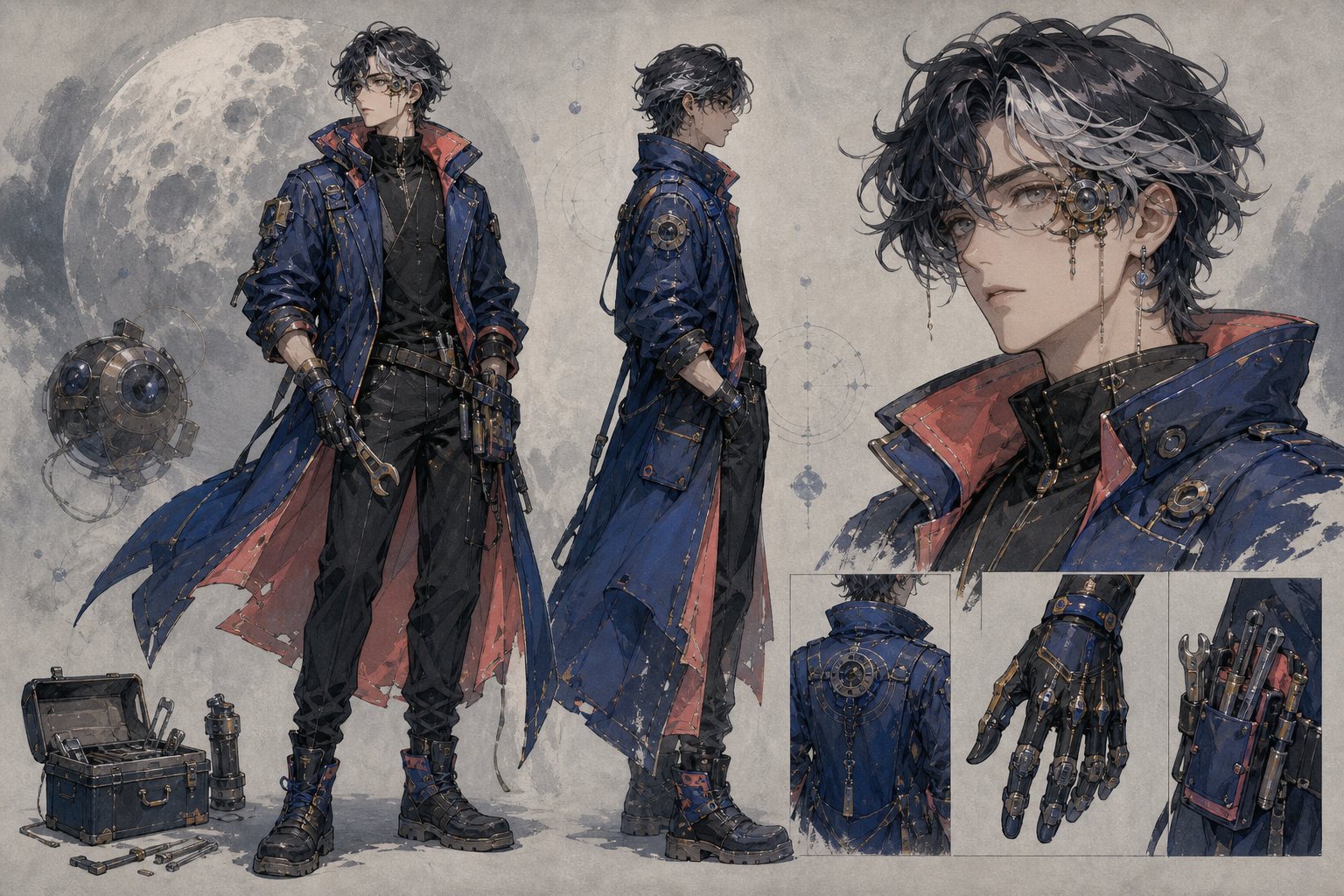
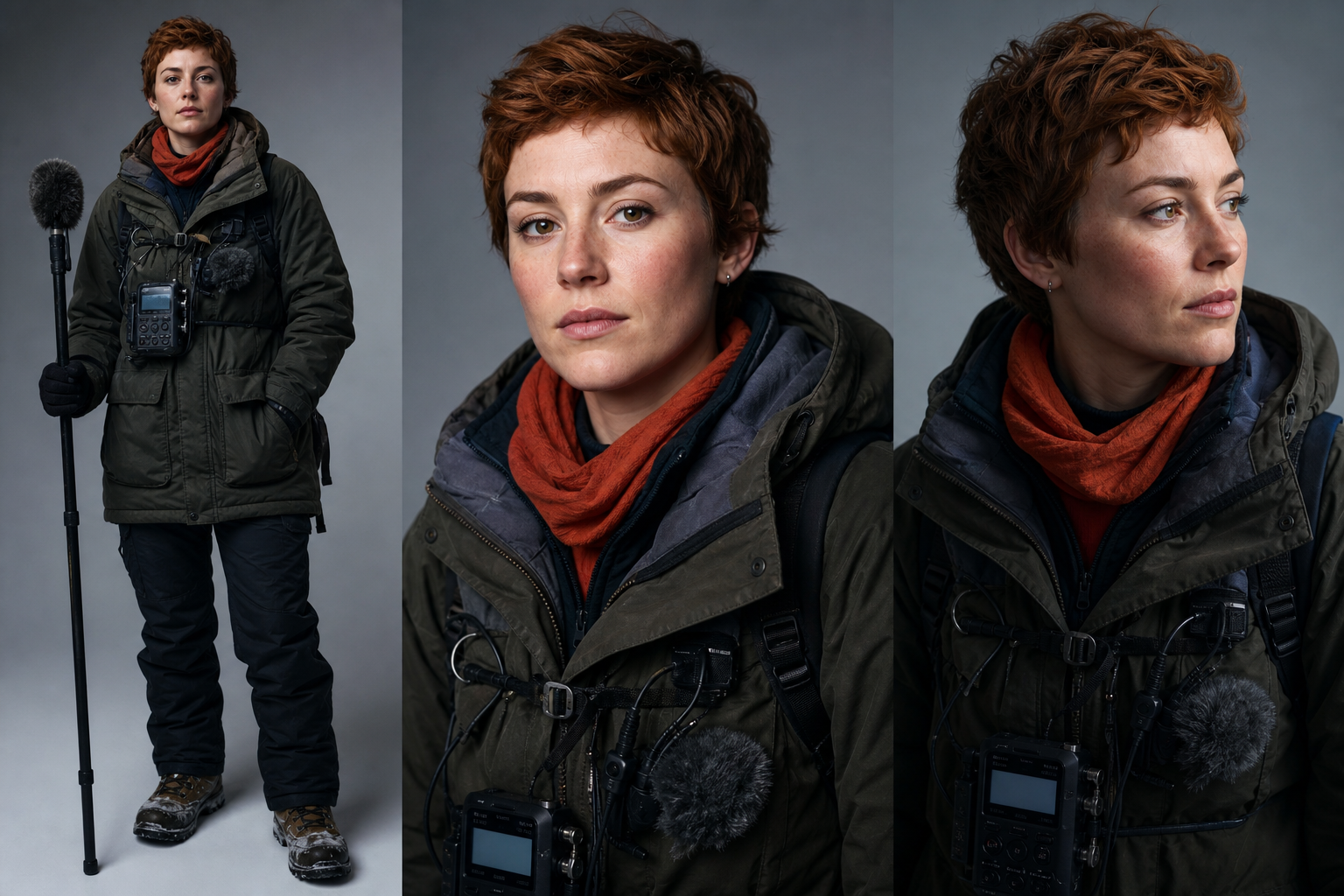
Character identityVisual styleShot continuity
Direct complete scenes with text, images, video and audio. Keep every shot moving as one story.
Seedance 2.0 · up to 15s · multimodal generation


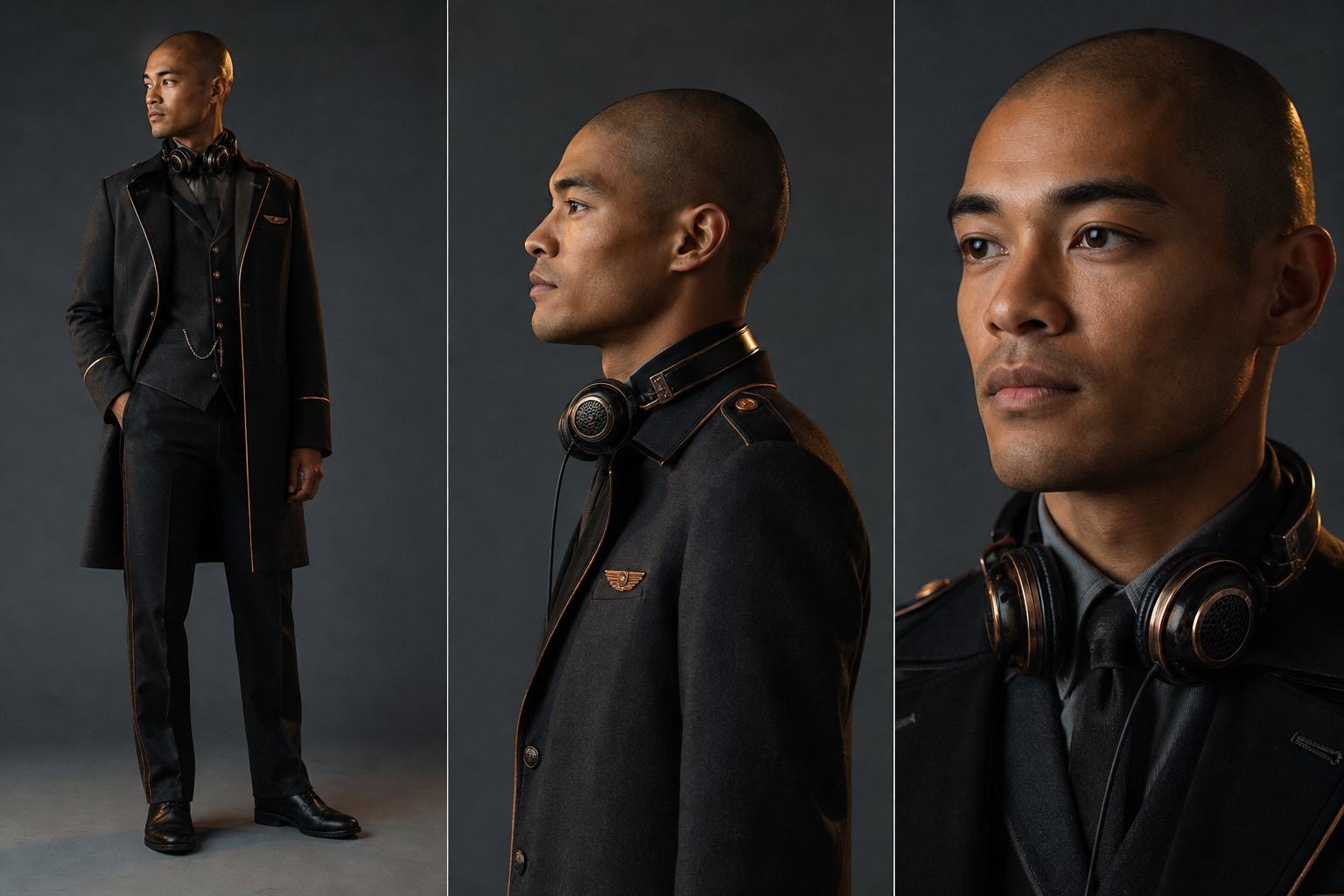
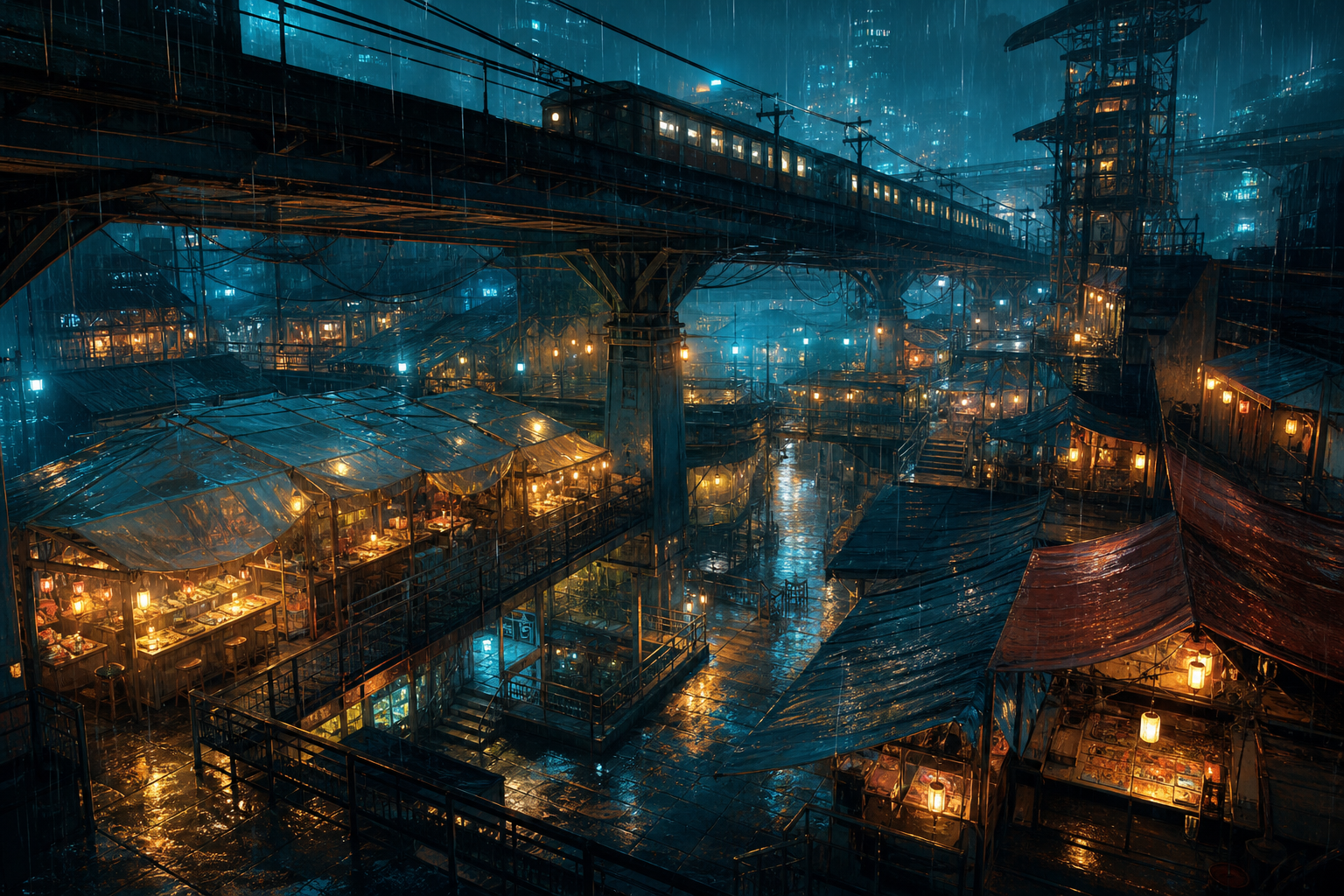
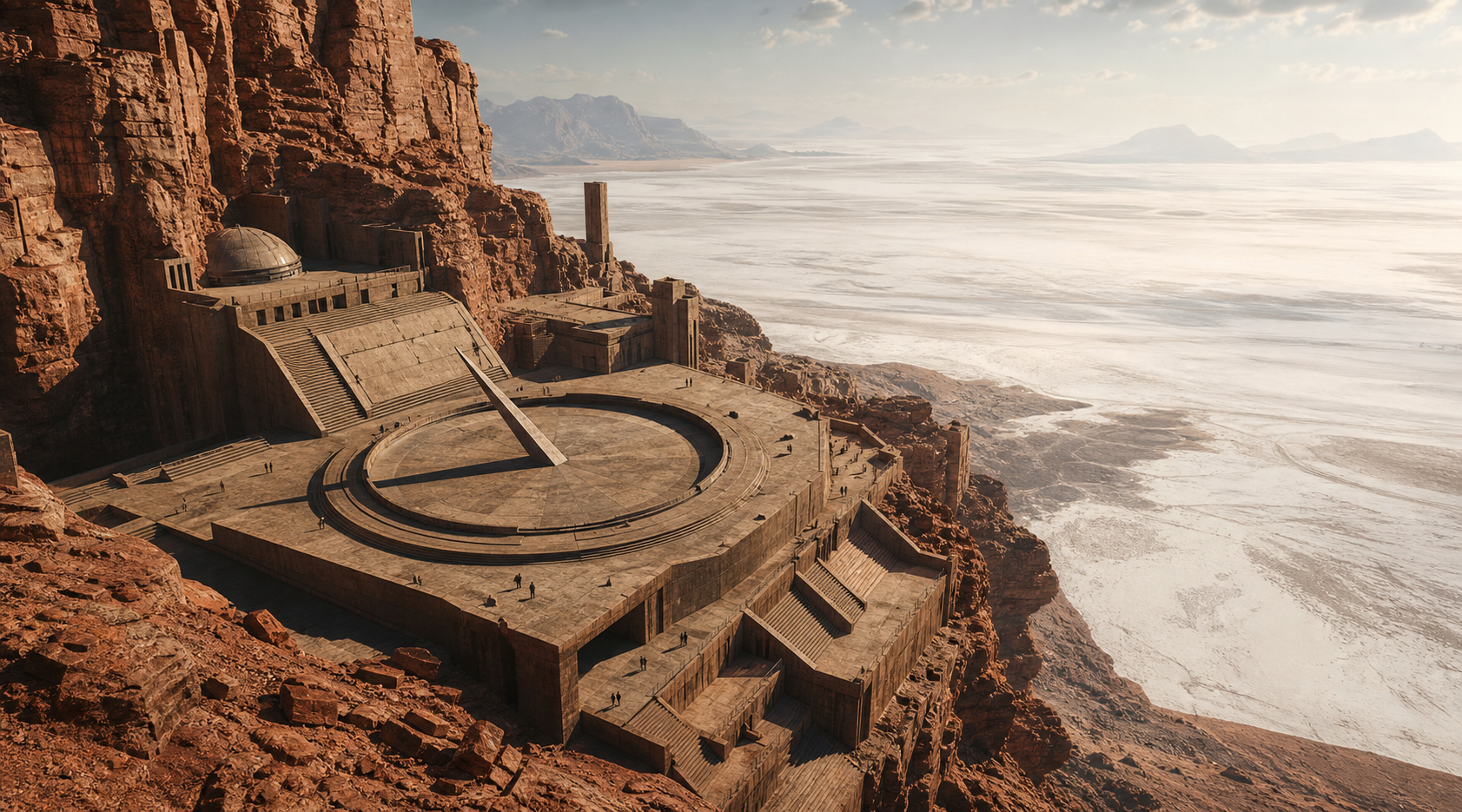
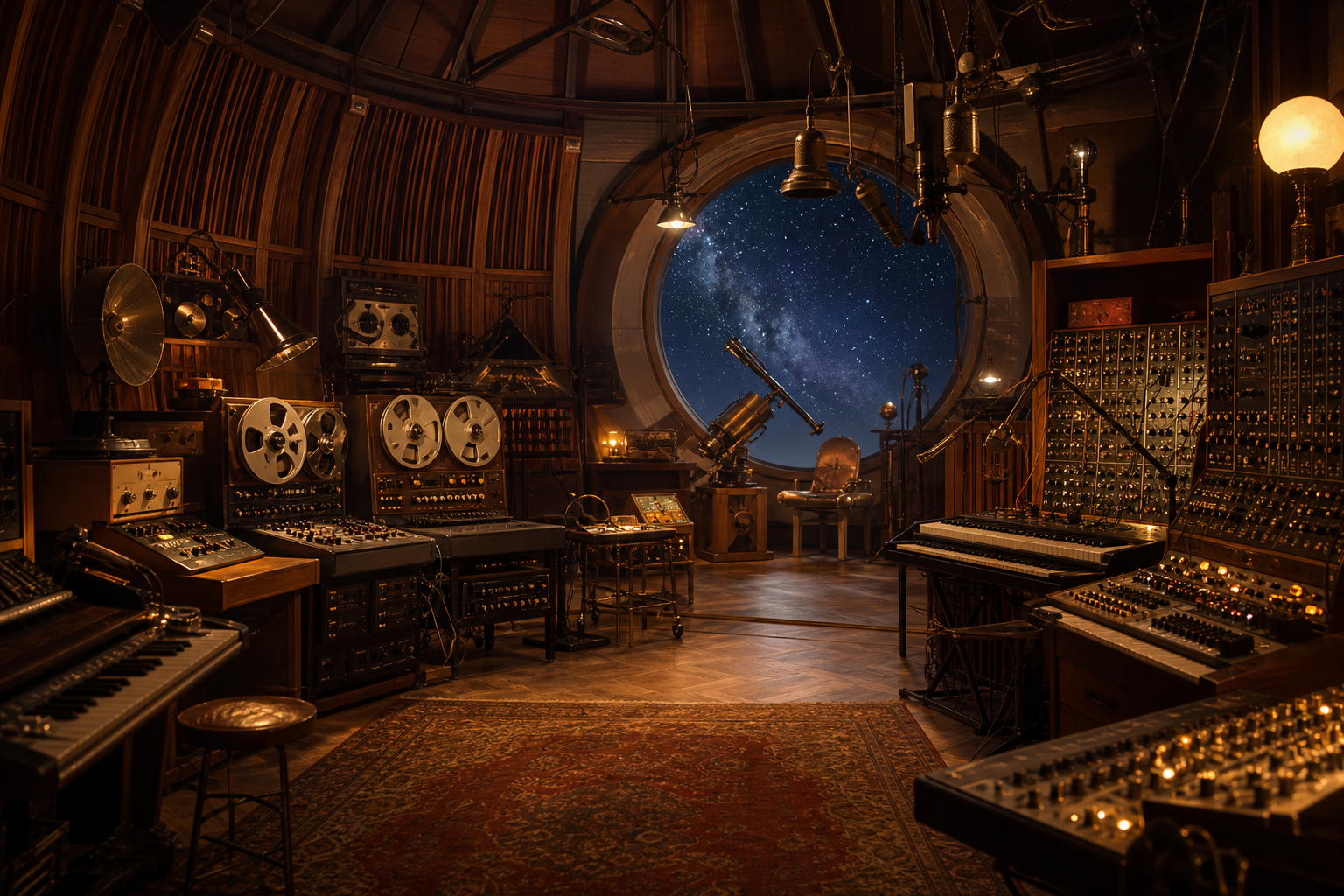
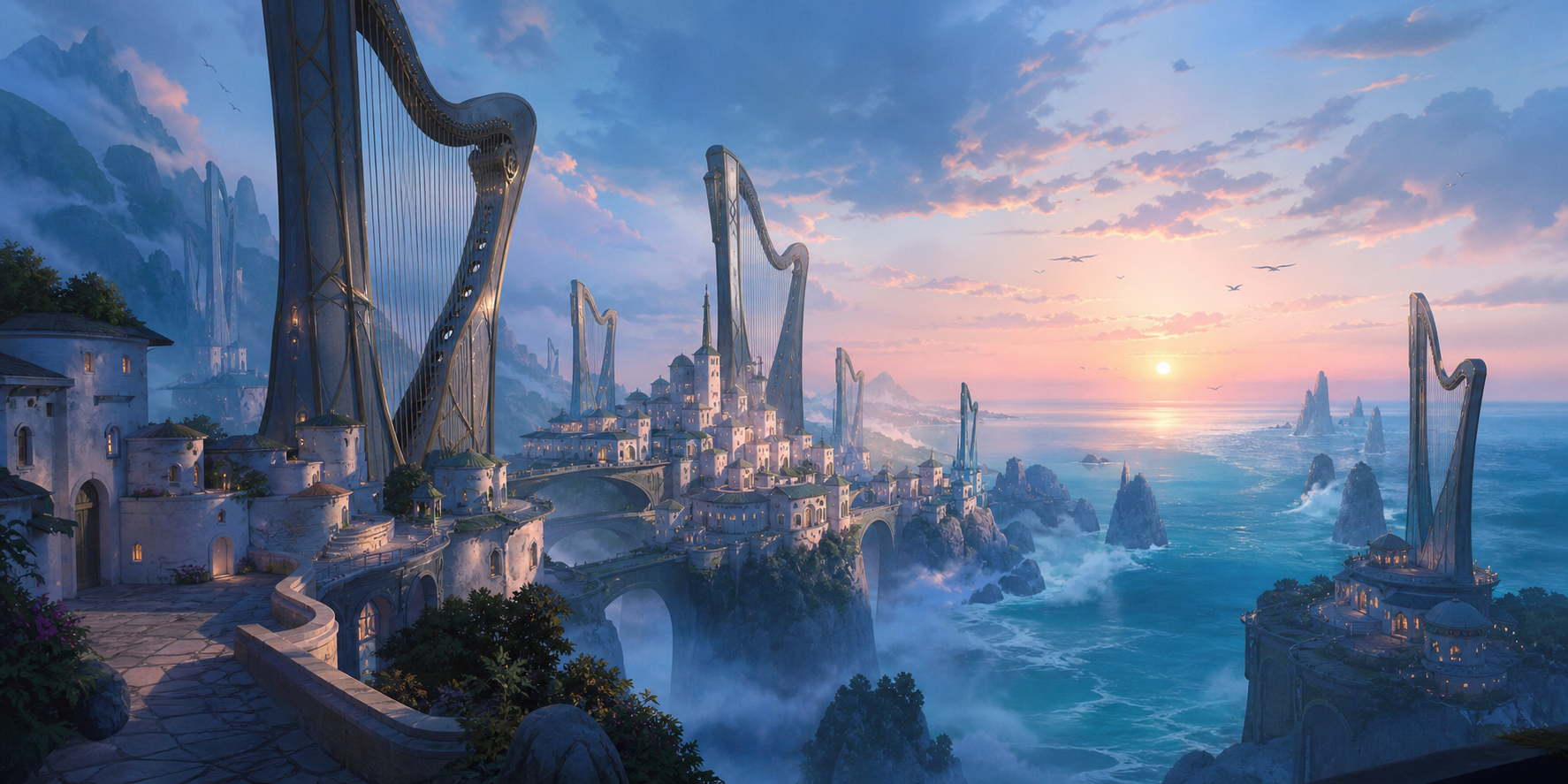
 00:1200:08
 CITY ATMOS · 00:36
 VOICE LINE · 00:14
 +38
+38Combine visual, video and audio direction
A complete scene in one generation
Combine a written brief with images, clips and audio references so the model can follow both the look and the timing of your idea.
Generate connected compositions with coherent characters, actions and environments instead of treating every shot as an isolated clip.
Generate dialogue, ambience and effects alongside the visuals so the rhythm and on-screen action arrive already aligned.
Use focused references to preserve faces, wardrobe and visual identity while the camera and setting change.
Describe composition, camera movement and scene rhythm precisely to keep important objects and visual beats under control.
Create advertising, social content, music visuals and narrative prototypes from the same flexible generation workflow.
The essentials before you start generating
Seedance 2.0 is ByteDance’s multimodal video model for generating cinematic, connected scenes from text and creative references.
You can direct the result with text and supported image, video and audio references, depending on the generation settings available in Longtake.
Seedance 2.0 can create clips up to 15 seconds in a single generation.
Yes. It can produce dialogue, ambience and effects together with the video for an integrated audio-visual result.
Reference material and clear character descriptions help preserve faces, clothing and visual style across a multi-shot sequence.
Open Longtake’s AI video workspace, choose Seedance 2.0, add any references, describe the scene and generate.

