WHAT THE WORKFLOW HOLDS
Reference identityReadable textPhysics-aware motion
Combine images, clips, audio and direction in one take. Generate 2K video with native stereo sound already tied to the picture.
MiniMax H3 · 2K · 5–15 seconds · native stereo audio
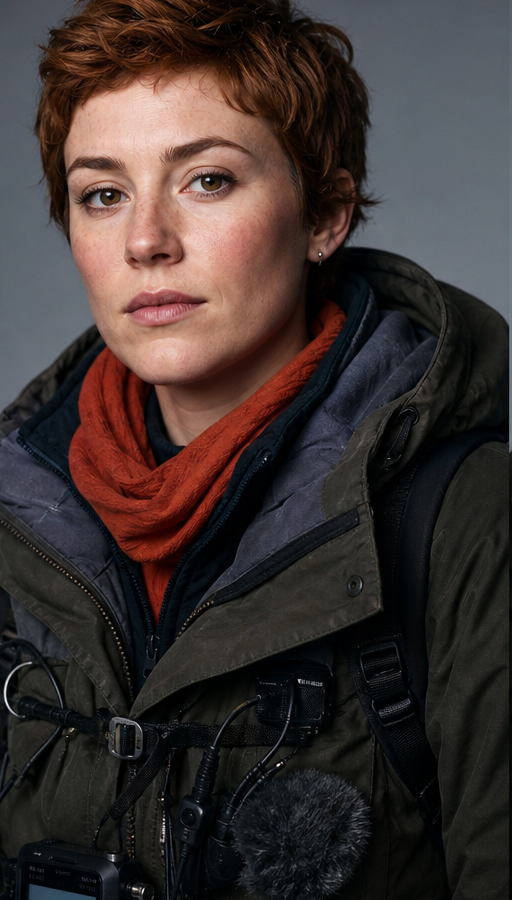


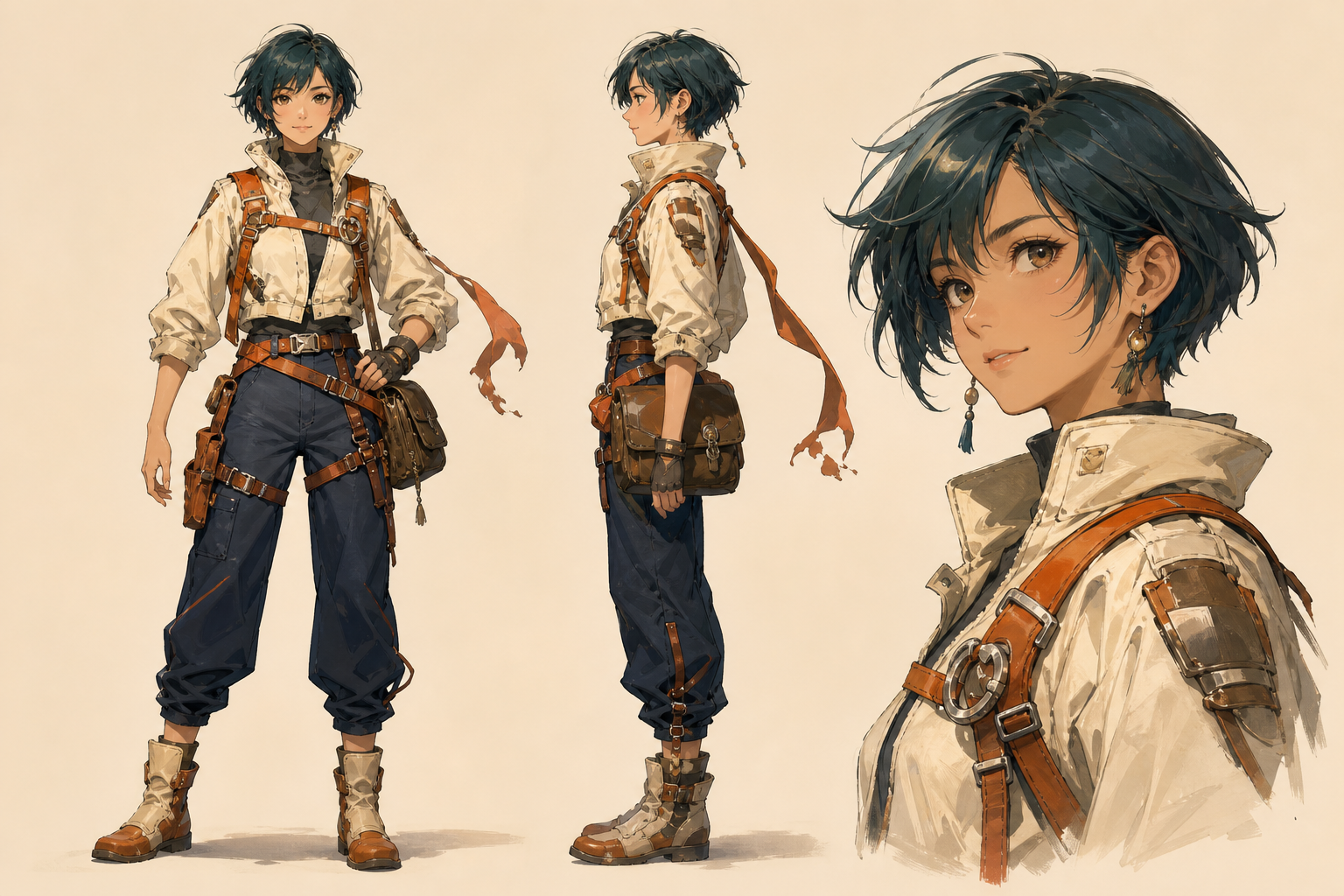
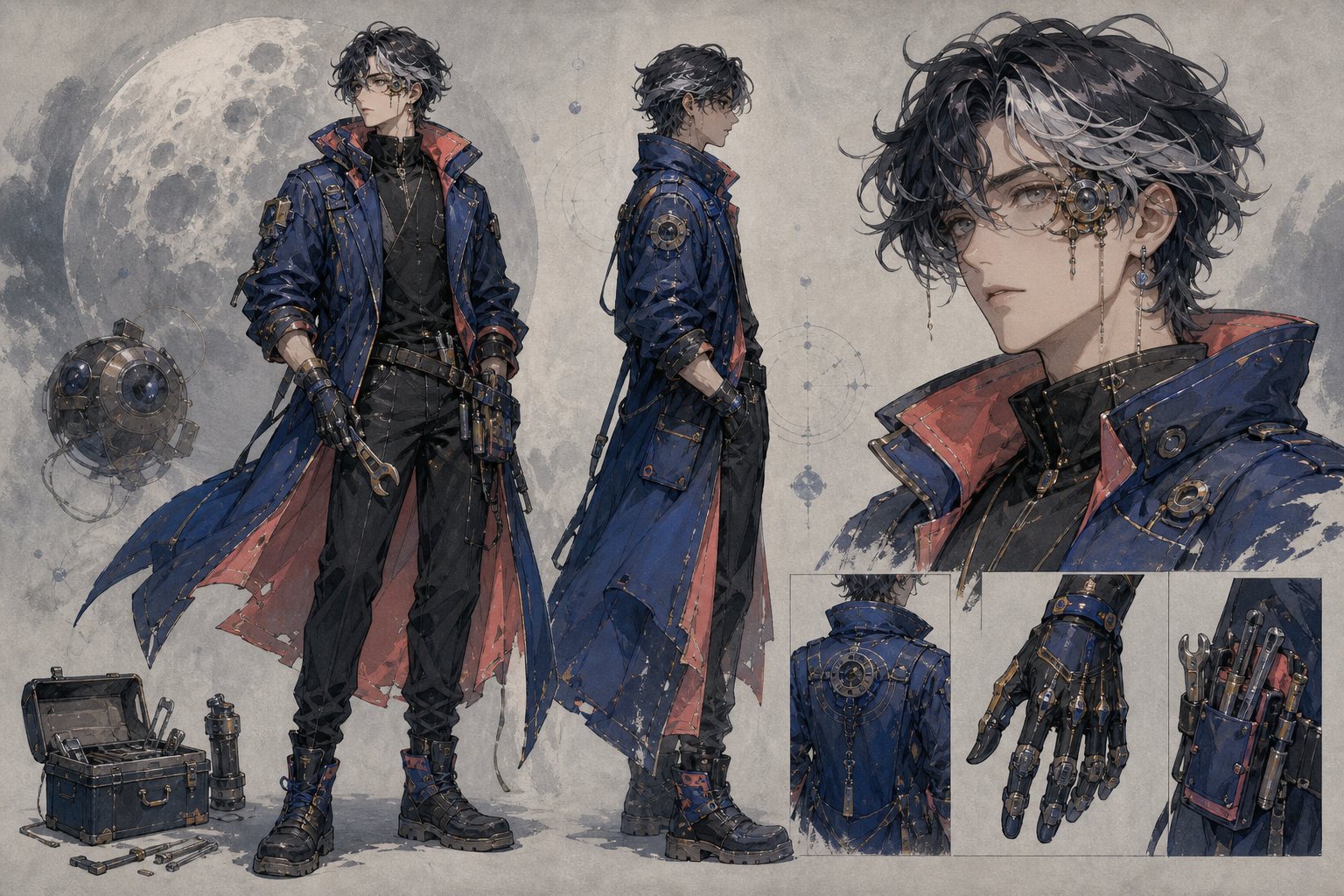
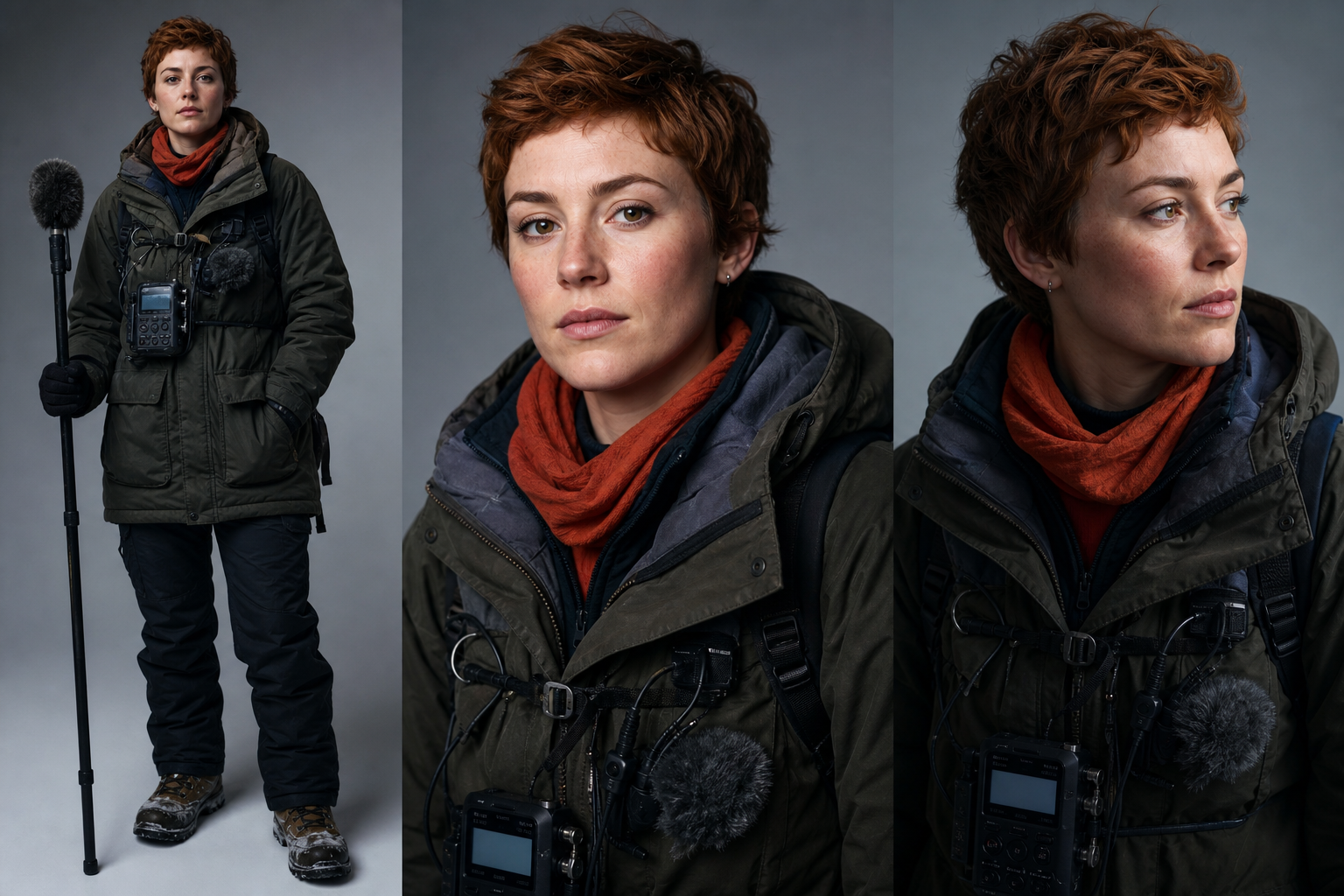
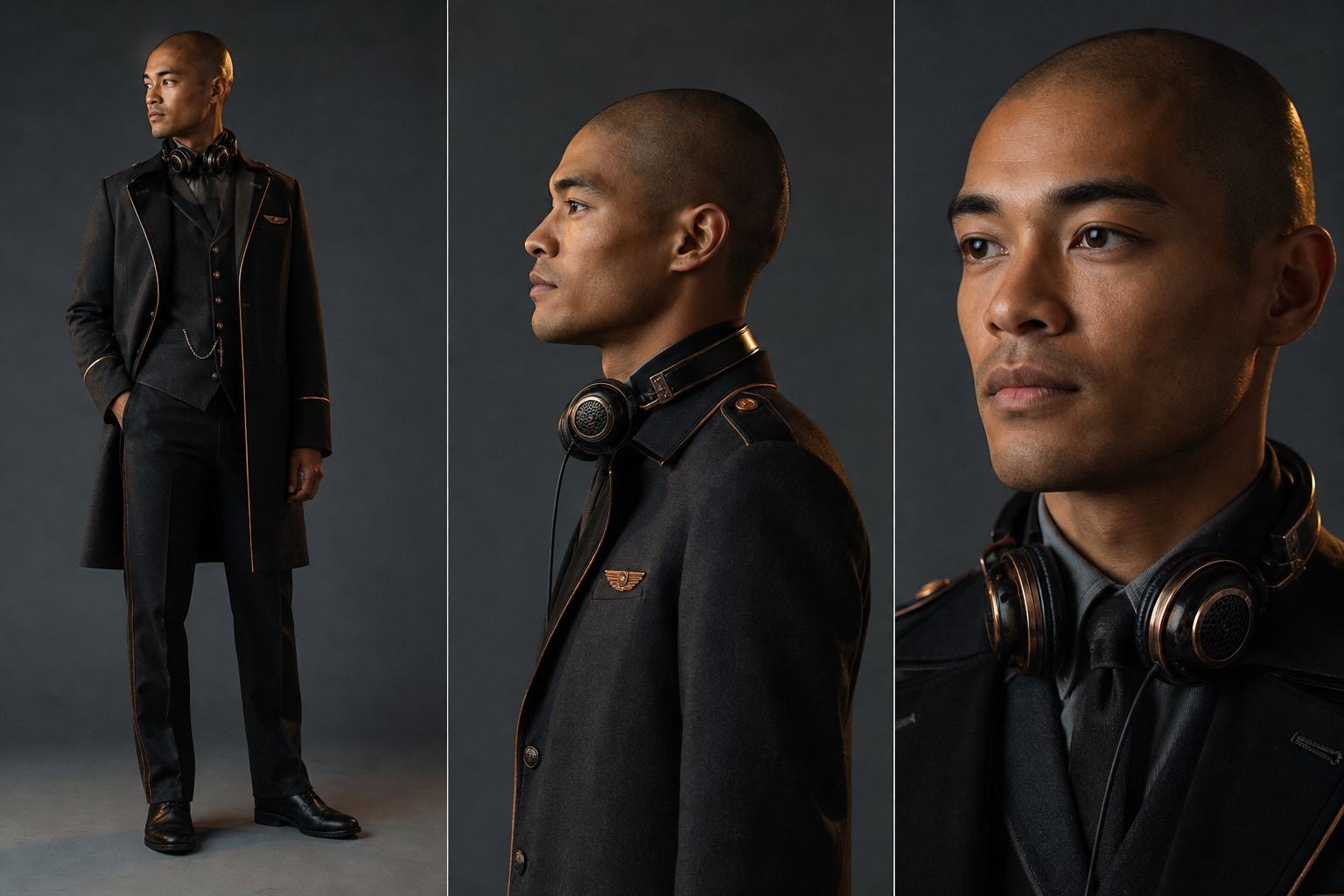
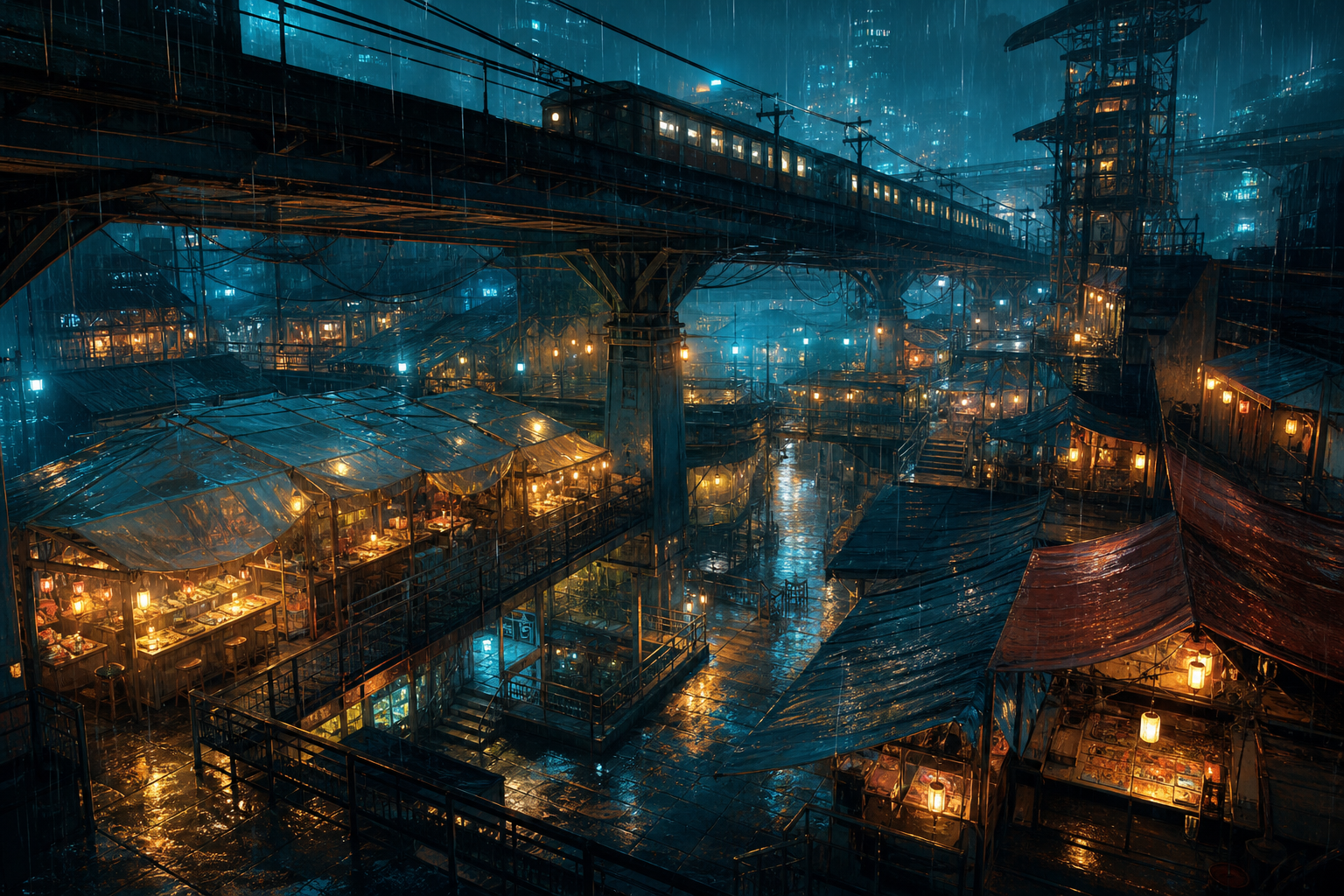
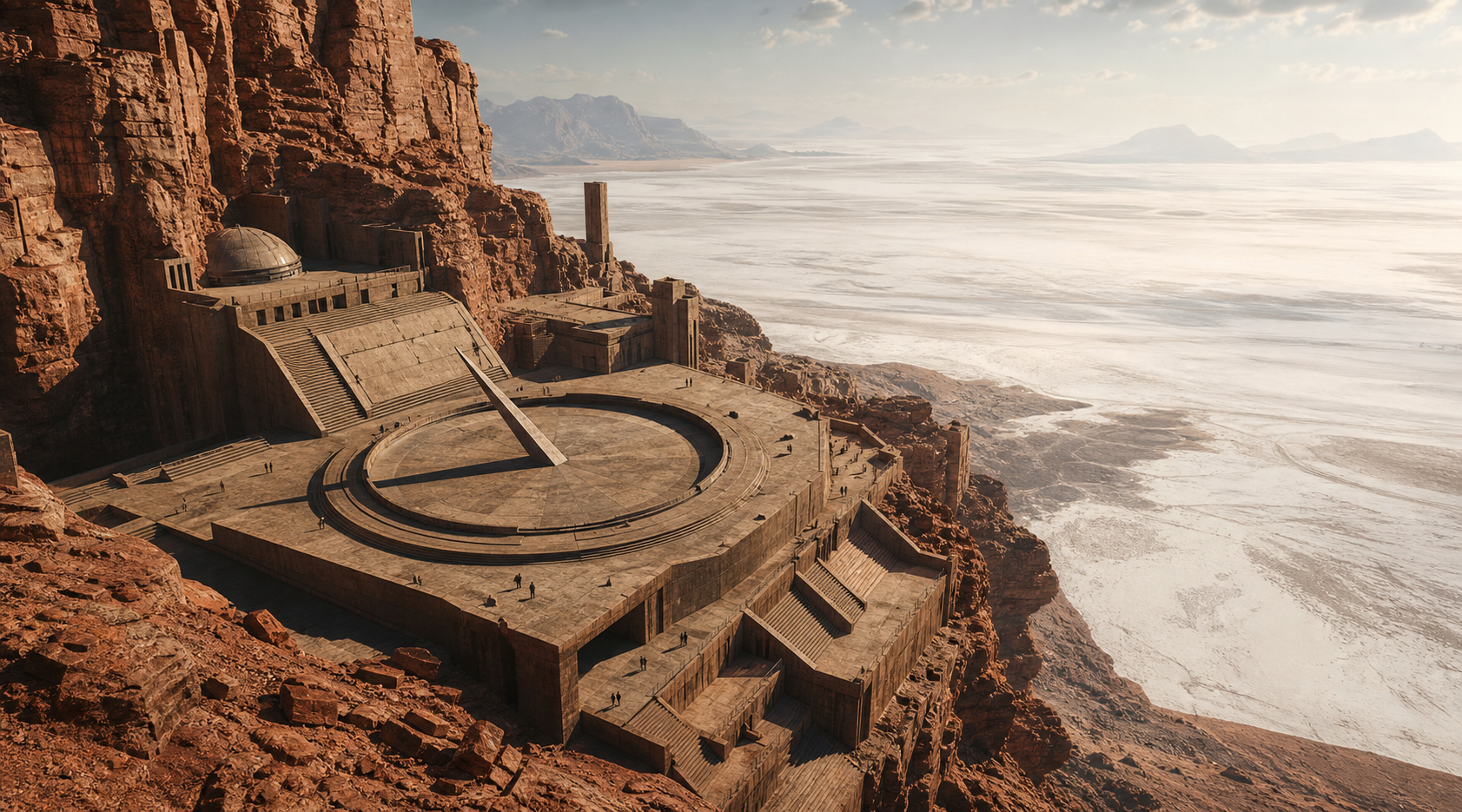
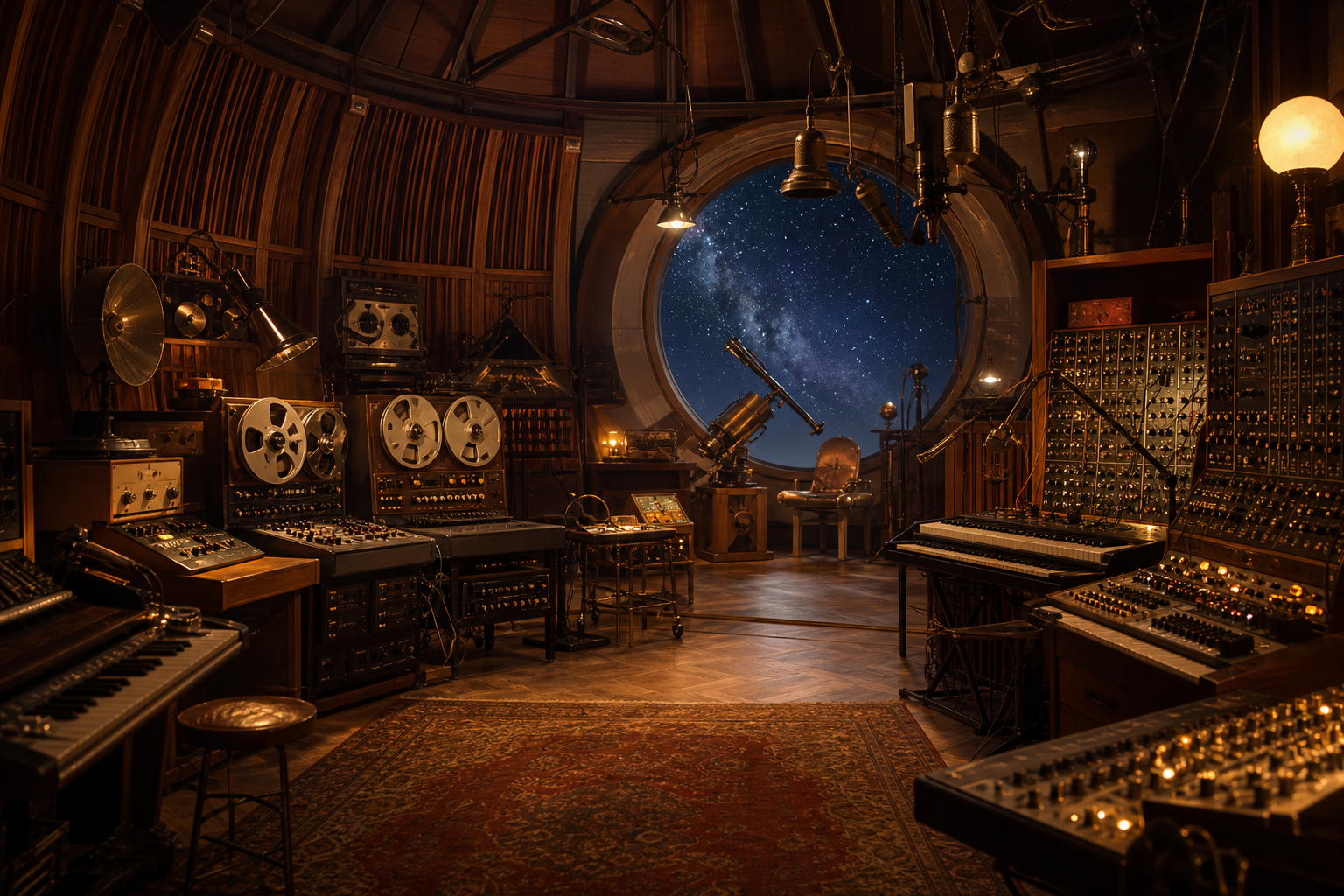

 00:1200:08
 CITY ATMOS · 00:36
 VOICE LINE · 00:14
 +38
+38Mix image, video and audio references in one brief
MiniMax H3 supports selectable 5-to-15-second clips at 2K and 24 FPS.
Generate reviewable video through Longtake with 2K output for the supported MiniMax H3 workflow.
MiniMax H3 supports selectable 5-to-15-second clips at 2K and 24 FPS.
Combine text with up to 9 images, 3 video clips and 3 audio tracks in one generation context.
Use several input types together so appearance, performance and sound can come from different source materials.
Replace a product or background, relight a scene or revise dialogue while keeping unedited areas stable.
Generate motion around packaging, typography and interface elements that need to remain readable across frames.
The essentials for creating with MiniMax H3
MiniMax H3 is a MiniMax video workflow available through Longtake. Combine images, clips, audio and direction in one take. Generate 2K video with native stereo sound already tied to the picture.
MiniMax H3 is listed with 2K output in the current model catalog.
MiniMax H3 supports selectable 5-to-15-second clips at 2K and 24 FPS.
Combine text with up to 9 images, 3 video clips and 3 audio tracks in one generation context.
MiniMax H3 is a strong fit for reference-heavy commercials, character-and-voice continuity, interface animation and targeted edits to existing footage.
Choose MiniMax H3 in Longtake’s AI video workspace, add the supported source material, direct the shot or edit, select the output settings and generate.

